You are hereHDR Review of Photomatix with Discount Coupon Code
HDR Review of Photomatix with Discount Coupon Code
This is Captain Kimo's HDR review of Photomatix. The most popular HDR software for creating high dynamic range photographs. It is my primary HDR software of choice for creating HDR images.
I like it so much I wrote a complimentary email to HDRSoft, the company that developed Photomatix. After reading my email they check out my site and saw my HDR review page of Photomatix. They liked it so much they gave us HDR lovers a coupon code to save a few bucks on Photomatix. They seem to understand how expensive this hobby can get!
Get 15% Off Photomatix HDR Software
Enter Coupon Code: CaptainKimo
Buy Photomatix now by clicking the operating system that applies to you. Don't forget to apply the coupon code: CaptainKimo to get 15% off. The links below will take you directly to plimus.com the official distributor for Photomatix. Download Trial Version Here.
Create Perfect HDR Images with Photomatix!
Do you want to achieve photographs that capture every bit of reality? Rather than being captivated with that postcard-perfect landscape, more often, you get disenchanted with the results of your photos. You either get overexposed or underexposed pictures. This is because the brightness range of objects outdoors is usually greater than a camera can capture, or a sheet of paper can replicate, thus all those intricate tones and textures of the real scene becomes squeezed and pruned to make them fit. But with the advancement of digital photography, you can now make all those overexposed or underexposed shots into something magical. That’s what Photomatix can do for you!
Photomatix is a user-friendly application that allows you to blend different exposures to create a single High Dynamic Range (HDR) photo. It uses a special approach that is intuitive, fast, and gives you instant feedback. Its Tone Mapping tools lets you pull out astonishing shadow detail from either multiple exposures or from a single image. It also automates conventional blending of multiple versions of the same image, and distributes the range of tones automatically, while converting the image to either 16-bits or even to 8-bits. This adds a new dimension to your photos and produces amazing results.
Unlike similar programs, Photomatix’s HDR creation and 16-bit conversion tools are more straightforward. The digital blending tool offers three options: 2 Images, Auto, and Adjust; the latter offering the greatest flexibility. Not only that, but this software is designed for absolute productivity. Its unlimited stacking and easy comparison of results and batch processing save you hours of masking and its blending process is not just a layer of masking techniques.
Now, how do you do this? You need a camera, a tripod and Photomatix. Take at least 3 differently exposed photos of the same shot. It’s best that you manually set the exposures of your camera. Use a sturdy tripod to minimize movement as possible, as this will save you time during post-processing. Open Photomatix and click on “Generate HDR image”. Click “Browse” and select the 3 photos that you want to be in HDR image. Next click the alignment tools, followed by “Tone Mapping”. This is where your creativity sets in. Feel free to experiment with the tone mapping tools and settings to get your desired result. You may want to achieve a surreal image or a more realistic, yet emotive photograph. You can easily compare the changes between settings, and if you’re happy with the preview, click “Process”. And you now have a beautifully crafted High Dynamic Range image. Congratulations!
You don’t need to be a professional to achieve those ultra-rich pictures. With a little patience and the right tools, you can capture that perfect landscape into a single HDR image. Photomatix is very impressive editing software that lets you edit pictures to the maximum level. Give yourself time and tons of creativity and you’re on your way to realism merges surrealism, with the help of Photomatix.
Photomatix the Most Popular HDR Software
There are many different companies releasing their own version of software to produce HDR photos. Nevertheless, Photomatix still remains the most popular application for producing HDR images. Photomatix is easy to use and you'll always get great results.
After using other HDR software, Photomatix is the easiest to learn from. It's easy because it's simple. With Photomatix the process of making HDR images is straight forward. You generate your image by selecting your exposures, then apply tonemapping, hit save and you're done. I know this sounds way to simple but once you've done it a few times, that's pretty much all there is to it. It's so easy I've even made a video to show how easy it really is to make a HDR photograph.
Before I created my first HDR image, I thought HDR was something that was impossibly complicating. Well, it turned out to be the complete opposite. Merging a HDR image was much easier than I had expected. The only thing hard about Photomatix was understanding what each button did but after doing a dozen HDR images you begin to understand how to get results that you want.
Photomatix has been my primary HDR software since making my first high dynamic range image and will remain to be the one I use until something better comes along. At the rate technology is advancing, I'm sure some company will release a HDR software with more advanced features but until that day I'll be using Photomatix. However, when I do find something better I'll be sure to keep you informed!


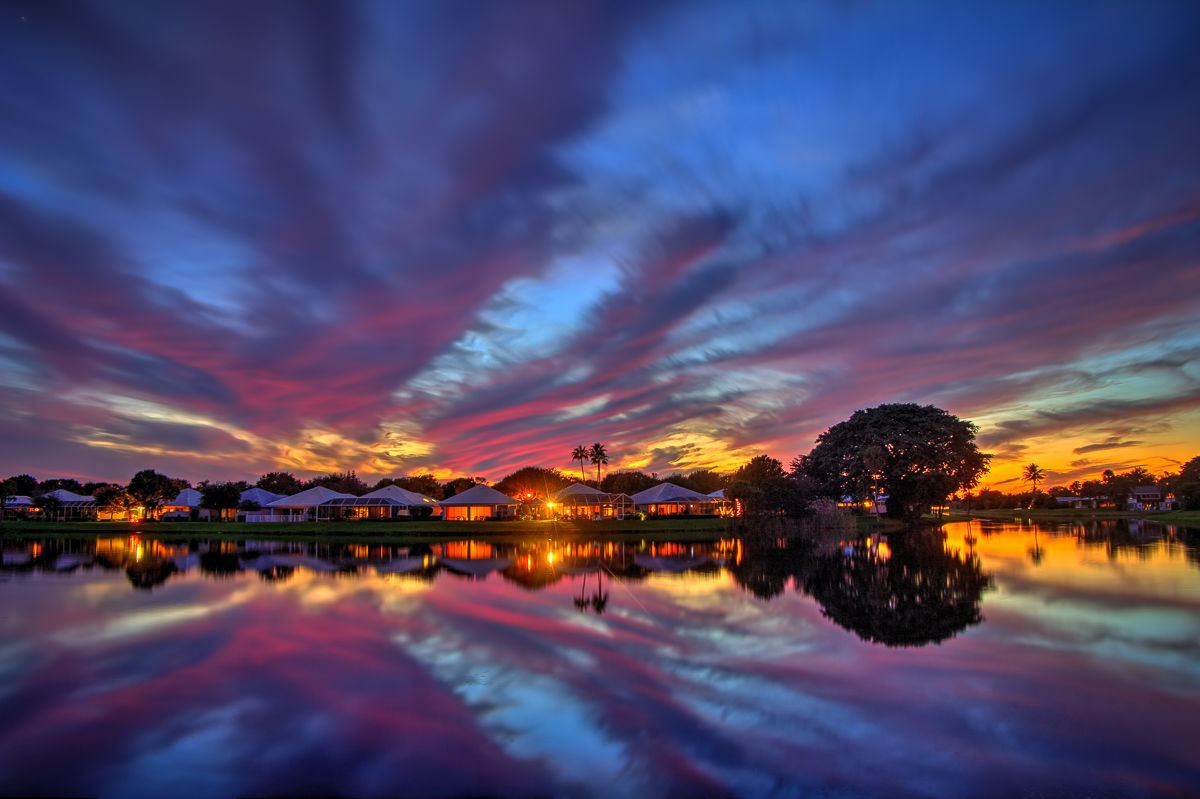
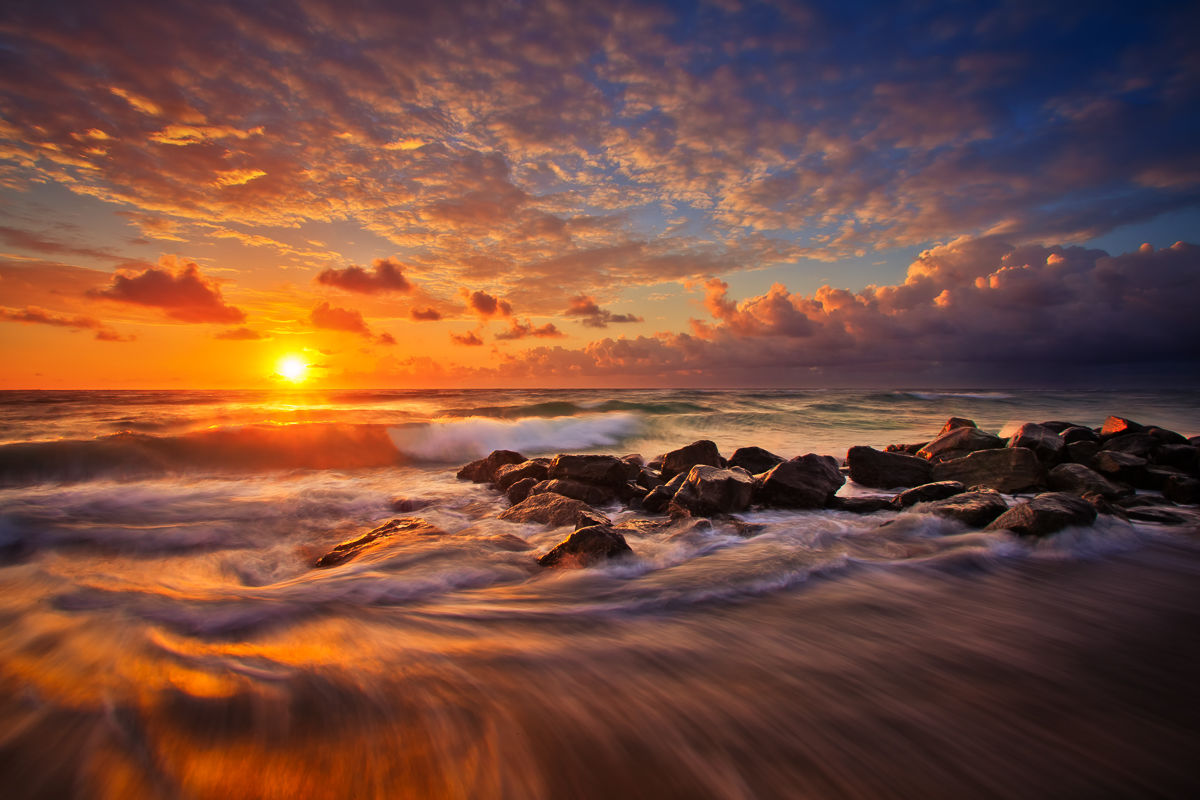
I wanted to thank you for posting the picture of the sun setting in Flickr, that picture looks so good!!!! I was inspired, I followed your link to your website, downloaded Photomatrix, followed your tutorial, absolutely enjoyed the results.
Thank you for making it easy.
Steve
No problem Steve, I'm glad I can be an inspiration to you. As you have been an inspiration to me to keep on trucking with my photography!
Thanks and Happy HDRing!
Richard,
Thanks for checking out the site and taking time to write your thoughts. I use the standalone version of Photomatix and not the plugin for Photoshop. The last time I used the plugin I found it hard to maintain the results after converting down the 32bit image to a 16bit or a 8bit image.
I find it much easier to merge the HDR image using Photomatix's Pro and merging the exposures in the standalone version. Also the final results are similar when I open it using Photoshop compared to using the plugin.
I'm using Windows 7RC/Beta and it runs great. My PC isn't that great 4gigs of ram and 2.6 dualcore processor.
Teaching classes is something that I would consider doing in the future but for now I planning on doing a HDR DVD training video.
Thanks again, Kimo
Enjoying your site.... new to HDR. Just attended Photo Expo in NYC and they had a 30 foot long 6 foot high panoramic image that George Lepp did on display,(I recognized it as his work before I got up to it. He a Canon guy and is on the staff of Outdoor Photographer. He does lots of seminars and workshops).
I don't remember the exact numbers in the huge image but it was something like 64 images used with Photomatix. It was quite impressive so I guess Photomatix is still the HDR software of choice. Thanks for your website and your efforts. Maybe you should consider doing workshops too if you don't already do them. They seem to be quite popular and profitable. You certainly have the talent!!
I'll use your coupon if I buy it. First I want to find out if I would need to purchase a new version of Photomatrix if I go to later versions of Photoshop ( I have CS 3) and if Windows 7 would require purchasing new software too. Please let me know if you know the answer to either of these questions.
Thanks, Rich Olson
Post new comment