Secrets to Mastering HDR Photography
Secrets to Mastering HDR Photography is more than just an eBook, it’s a Lifetime Membership to all my premium tutorials. For one low price you get quality eBooks and videos to expand your photography skills. There is no extra cost after you buy. You’ll receive all my current eBooks and videos, as well as future tutorials. You won’t find a training course like this anywhere!
- Click Here to Buy Lifetime Membership.
Lifetime Membership Includes
Everything Listed Below and Future Tutorials…
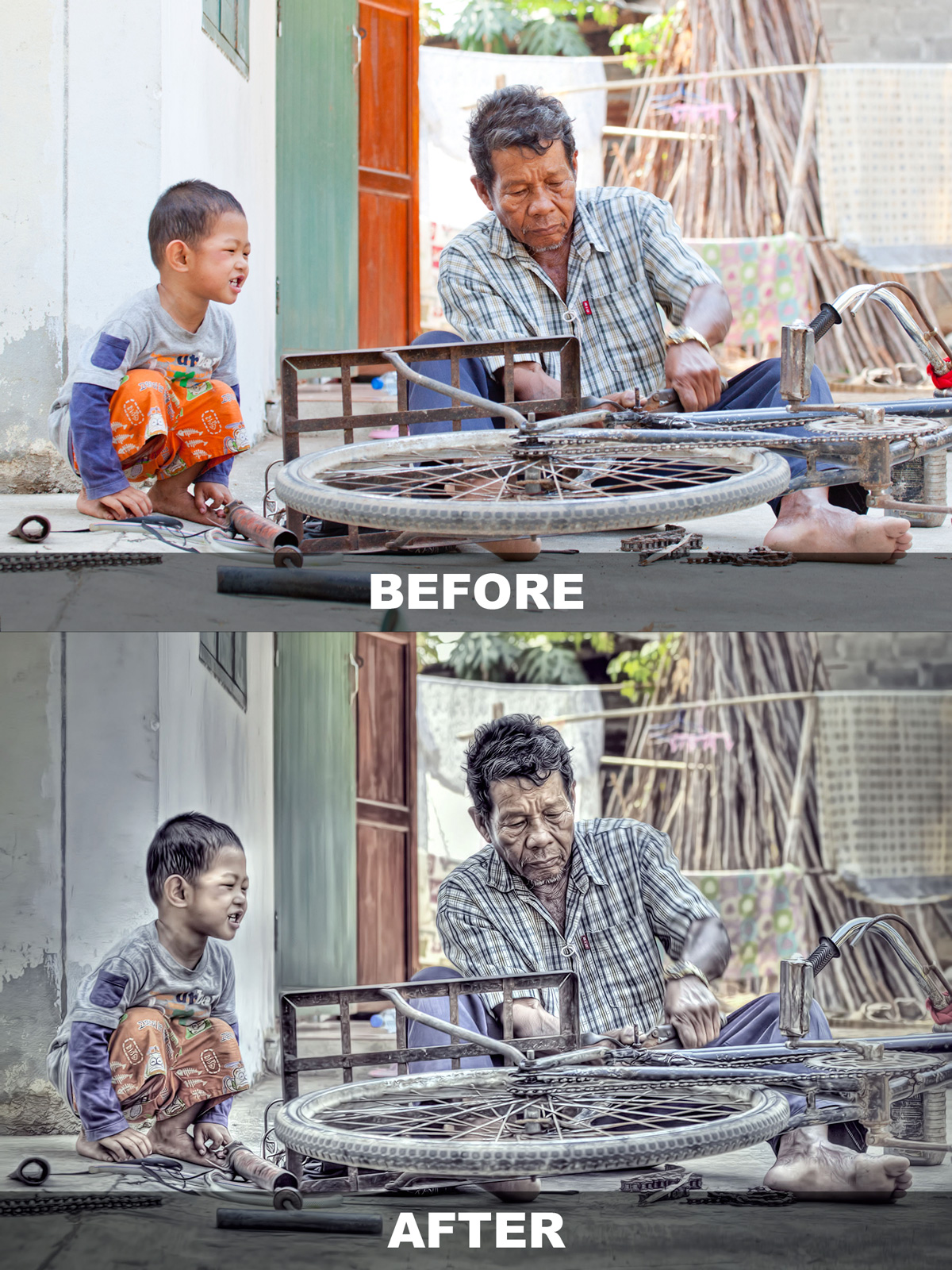
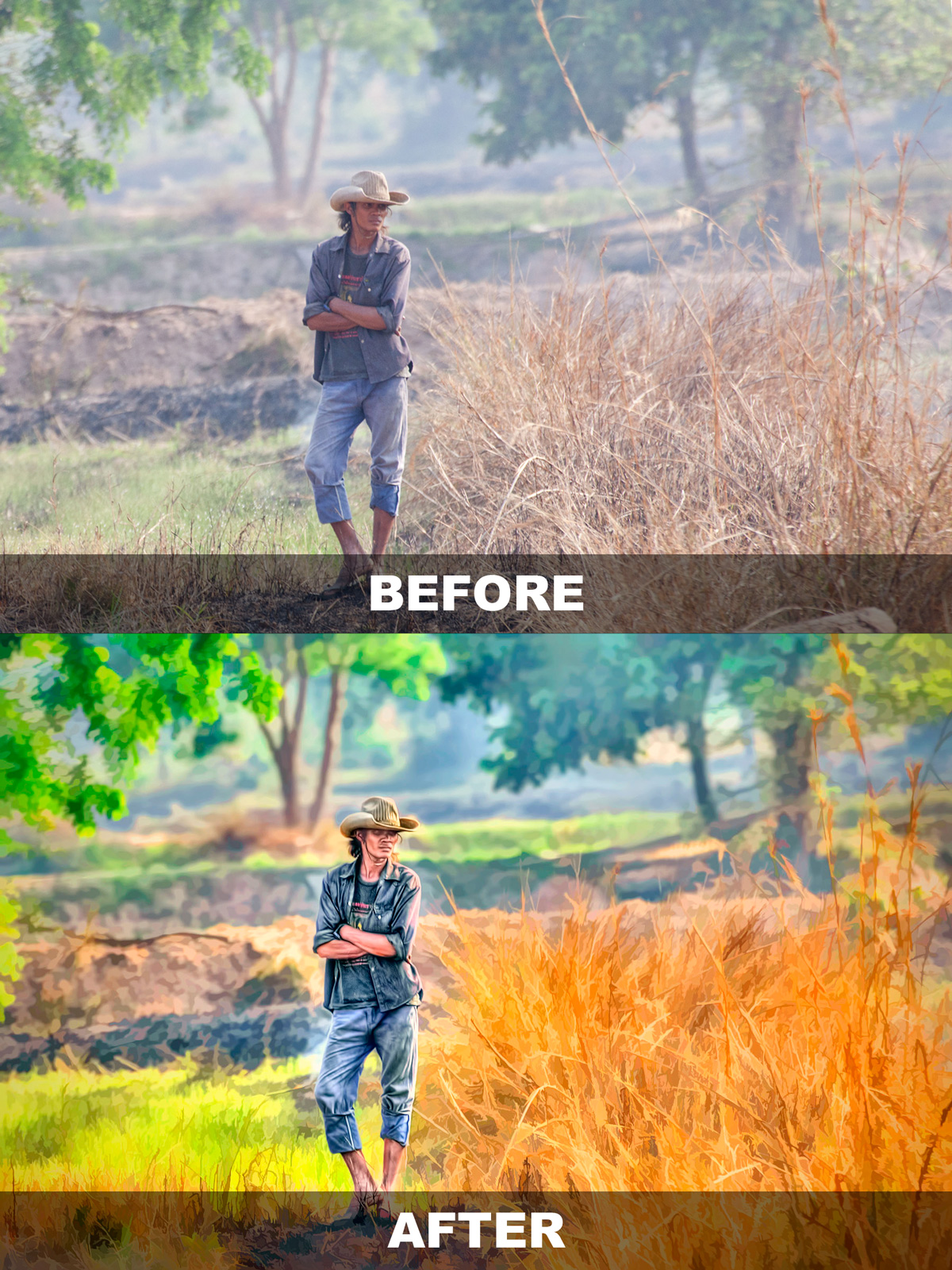
This 70 page eBook will teach you how to produce cool single exposure HDR portraits. I’ll show you how to create 3 different looks from one Photoshop Action that’s included with this eBook package.
Twenty (20) minute video tutorial on how I process a full moon HDR image. Includes working files and PSD file with layers. This is a video on post processing only. I will do a separate video on getting the exposure soon. Click here to watch the intro.
Twenty (20) minute video tutorial on how I process an HDR Panorama image. I’ll show you how to stitch a Pano in Photoshop and batch process HDR in Photomatix. Click here to watch the intro.
Fifteen (15) minute video tutorial on how I add clouds to an Eagle in-flight photo to create a single exposure HDR image. I’ll show you how I process and create pseudo HDR images in Photomatix Pro. Click here to watch the intro.
Captain Kimo’s Members Only website is currently in development. Once it’s done you’ll have access to all the Captain Kimo eBooks, videos and training material for your entire lifetime!MORE ABOUT…
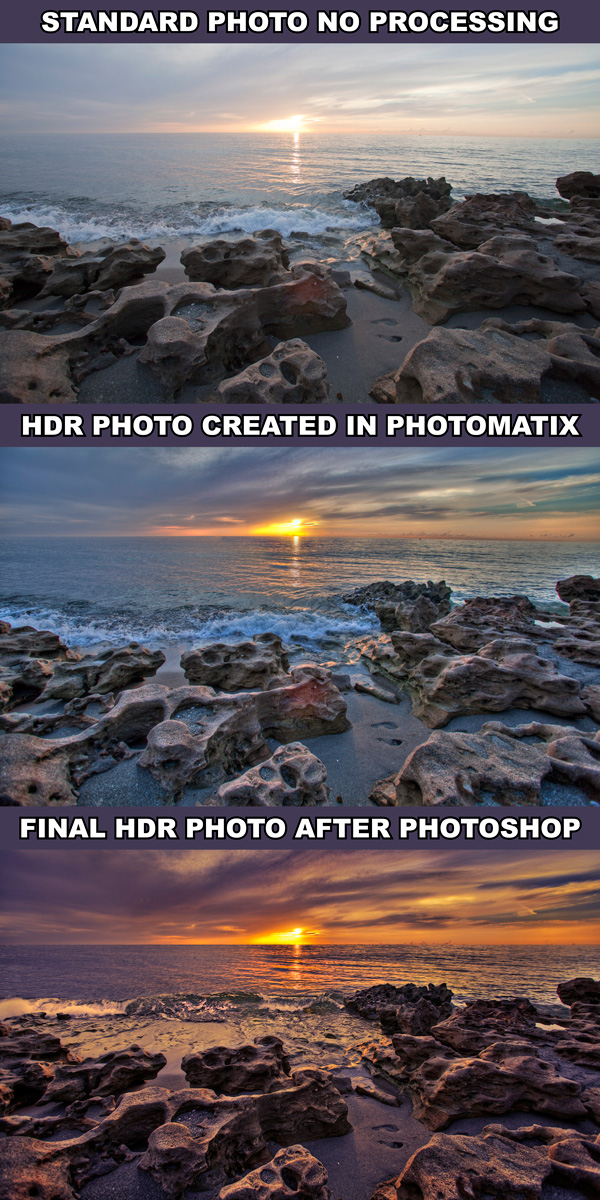
Secrets to Mastering HDR Photography
- Create Breathtaking HDR Images
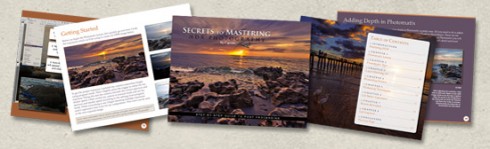
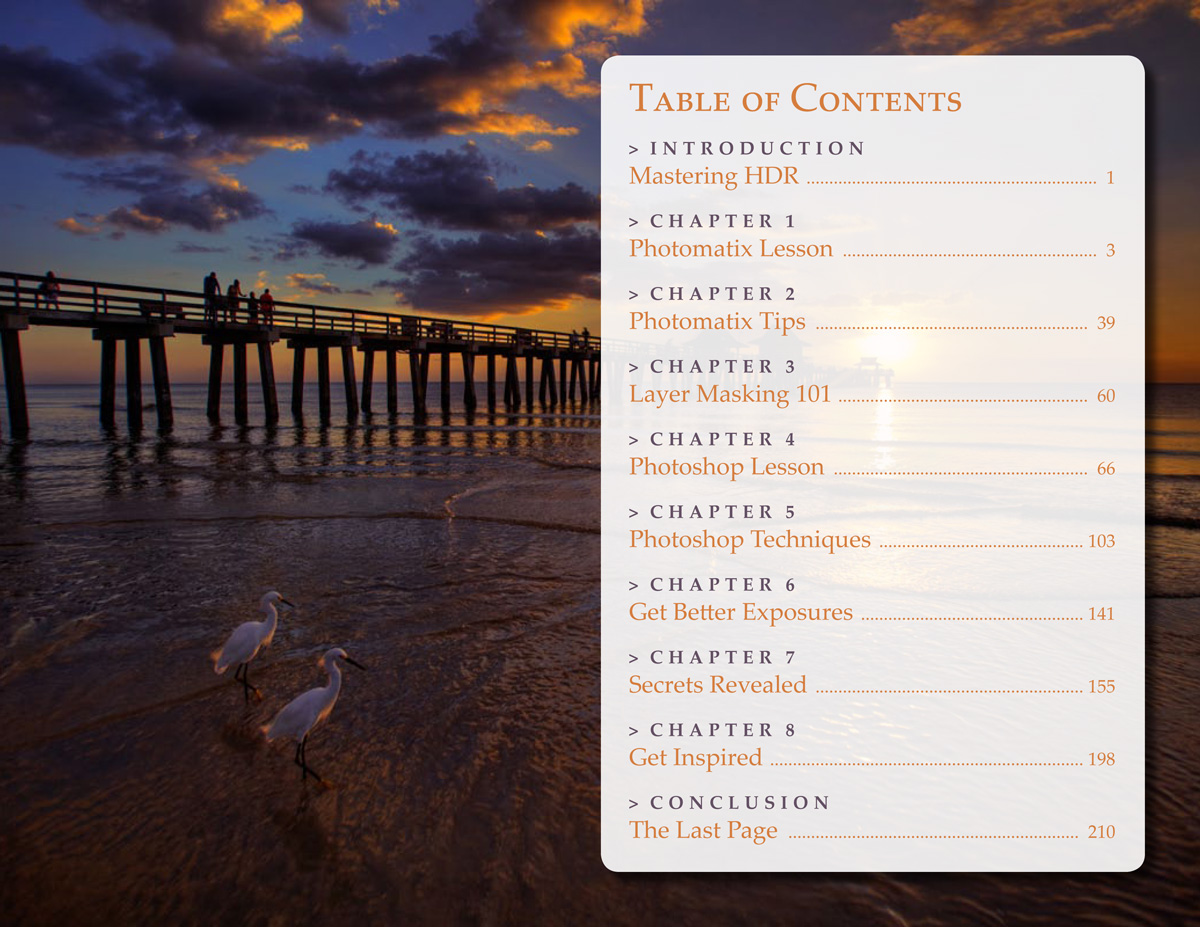
210 Page eBook - View Table of Contents - Step by Step Lesson
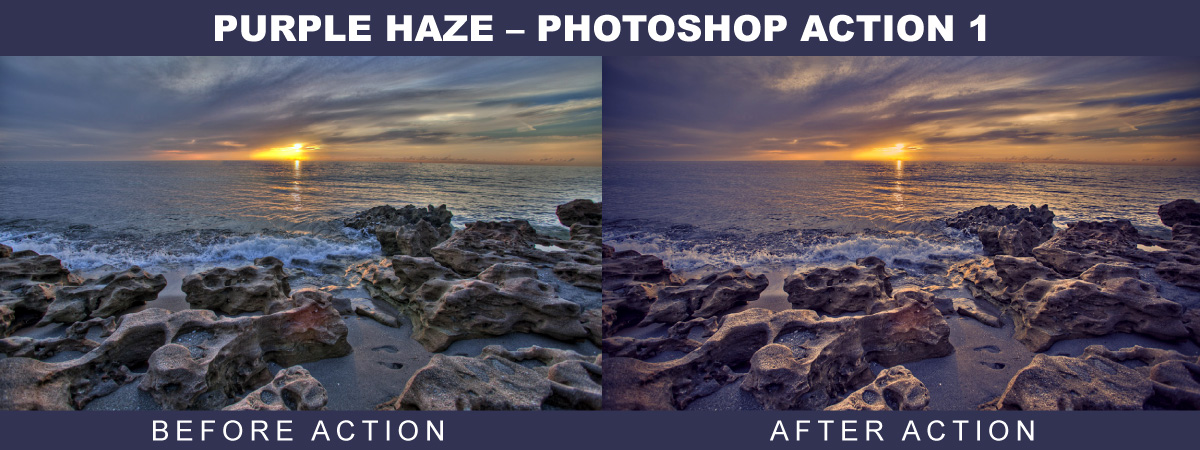
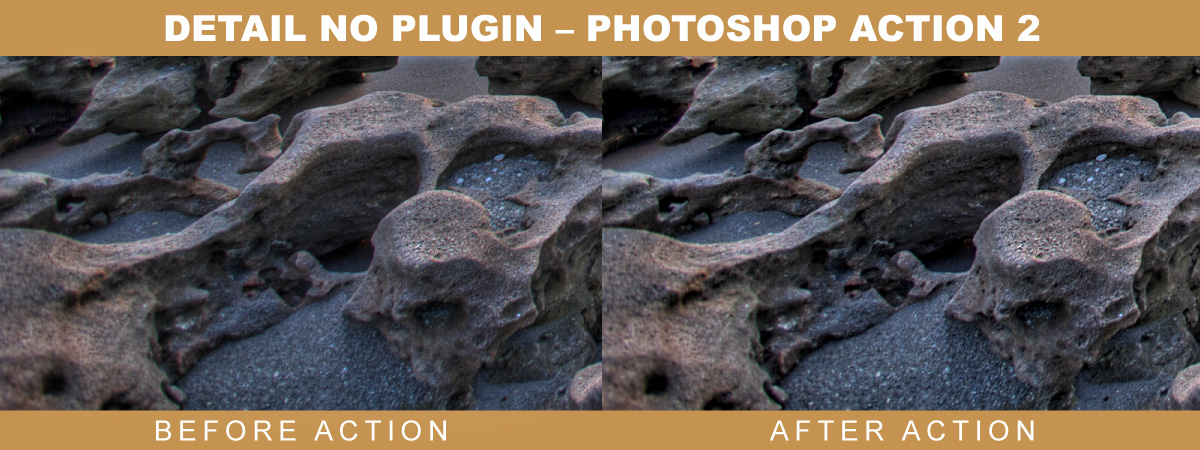
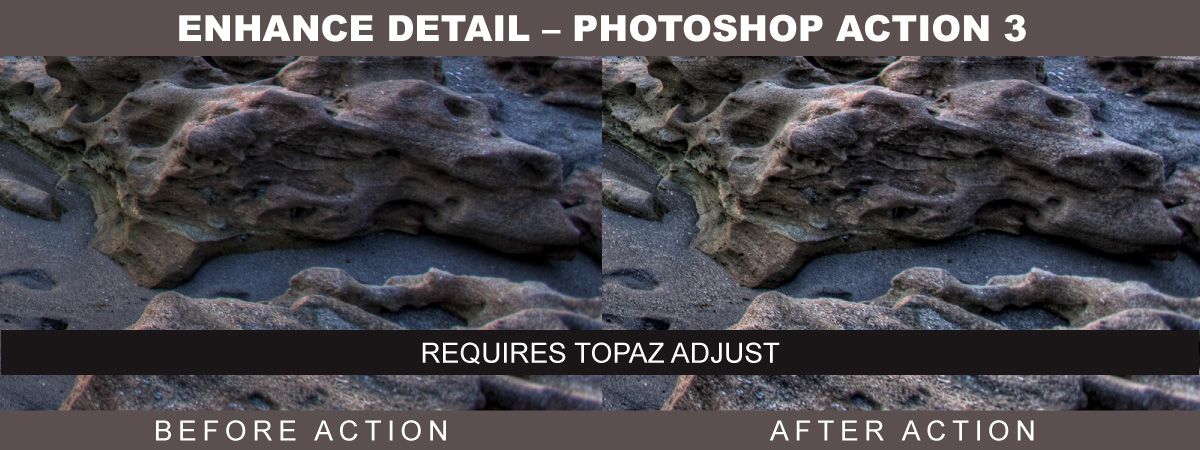
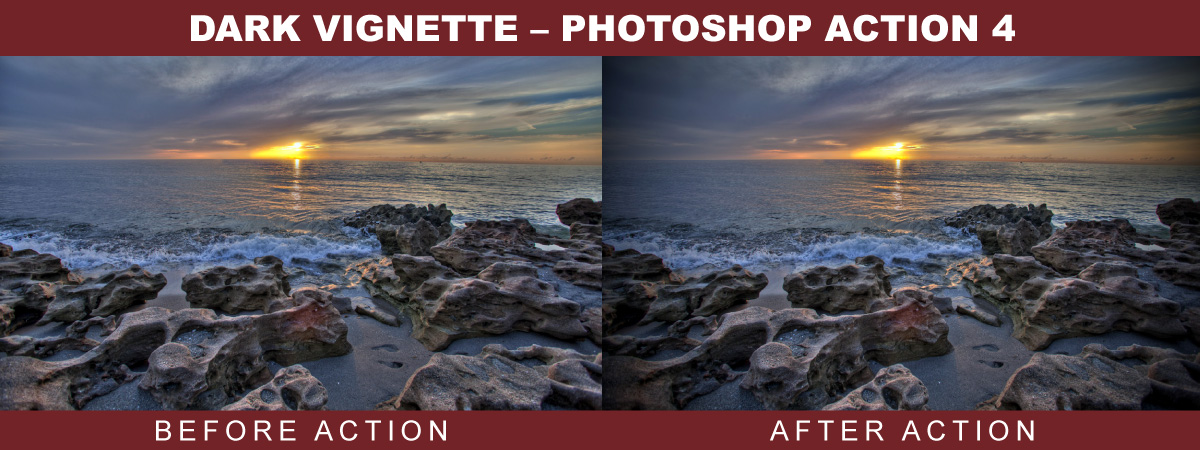
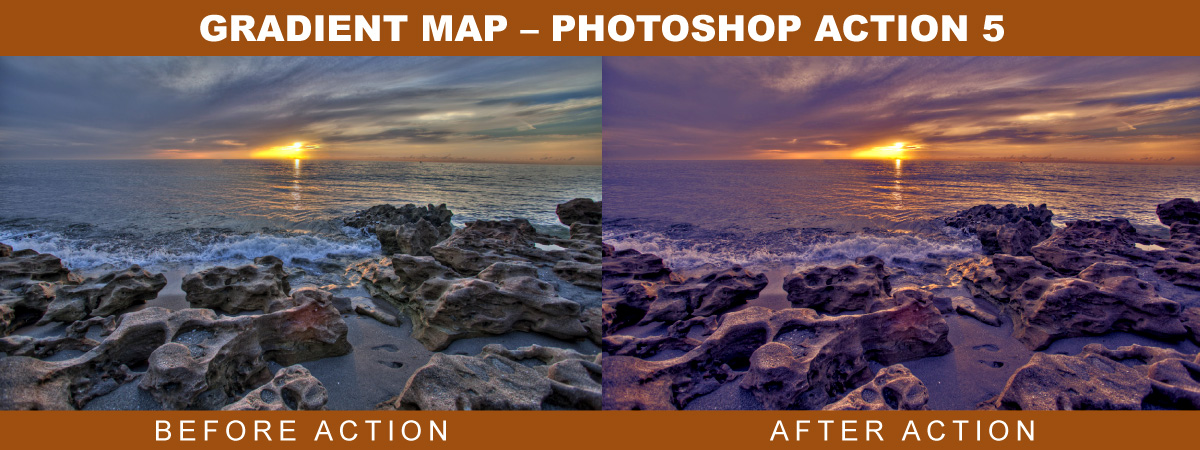
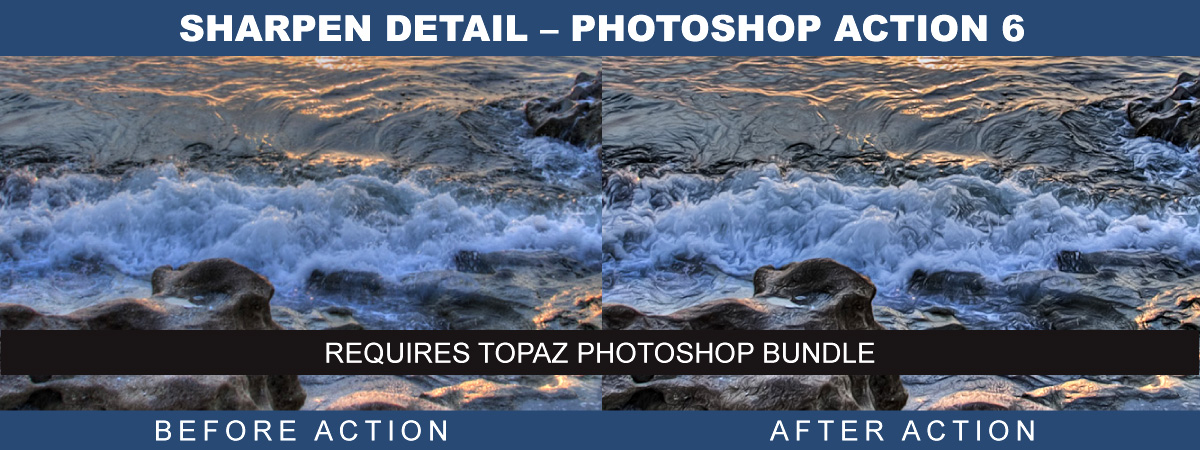
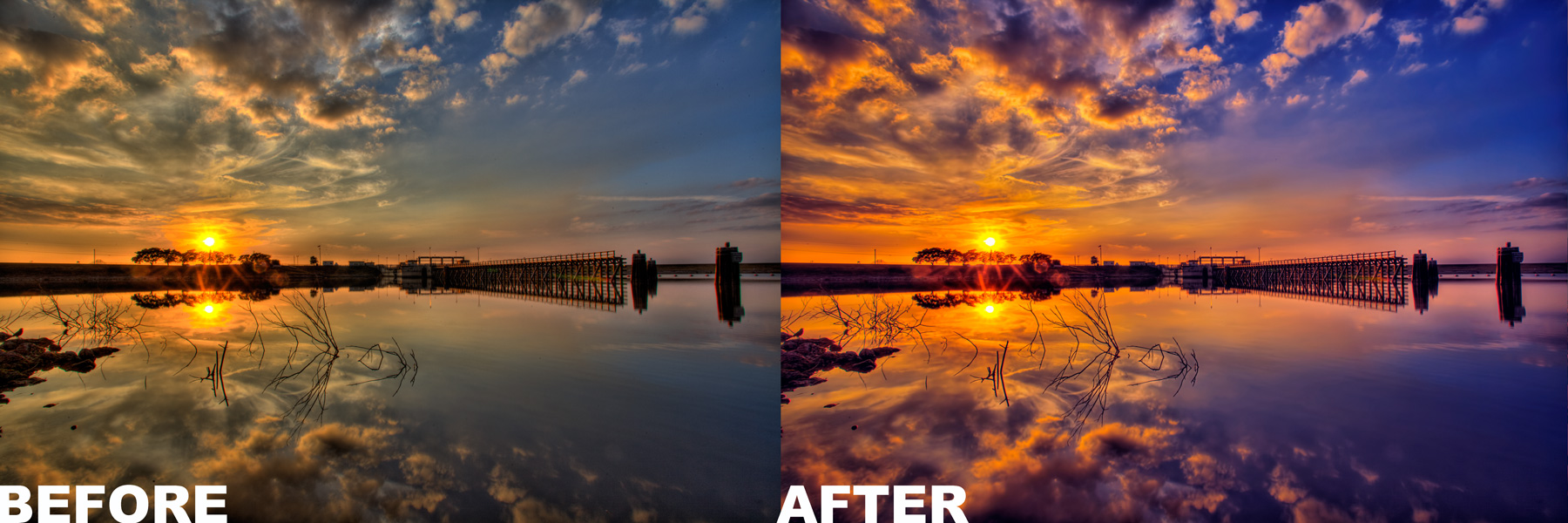
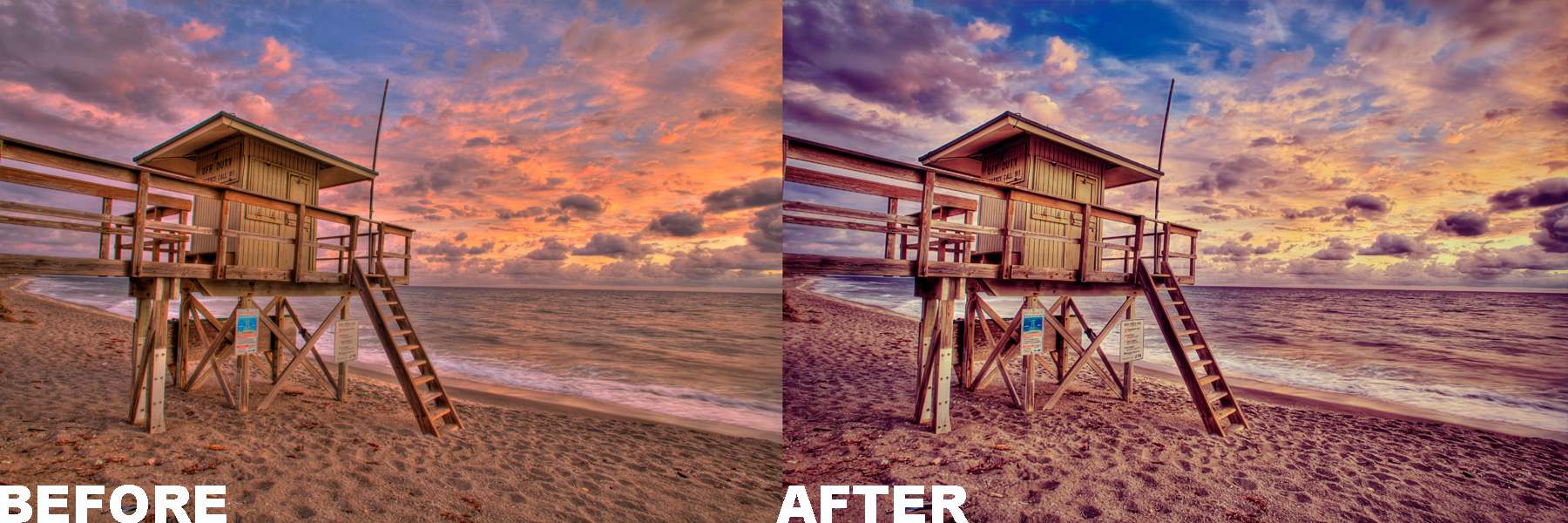
One Complete Lesson - View Before & After & Exposures - 6 Photoshop Actions
View Actions; One, Two, Three, Four, Five & Six - 30 Photomatix Presets
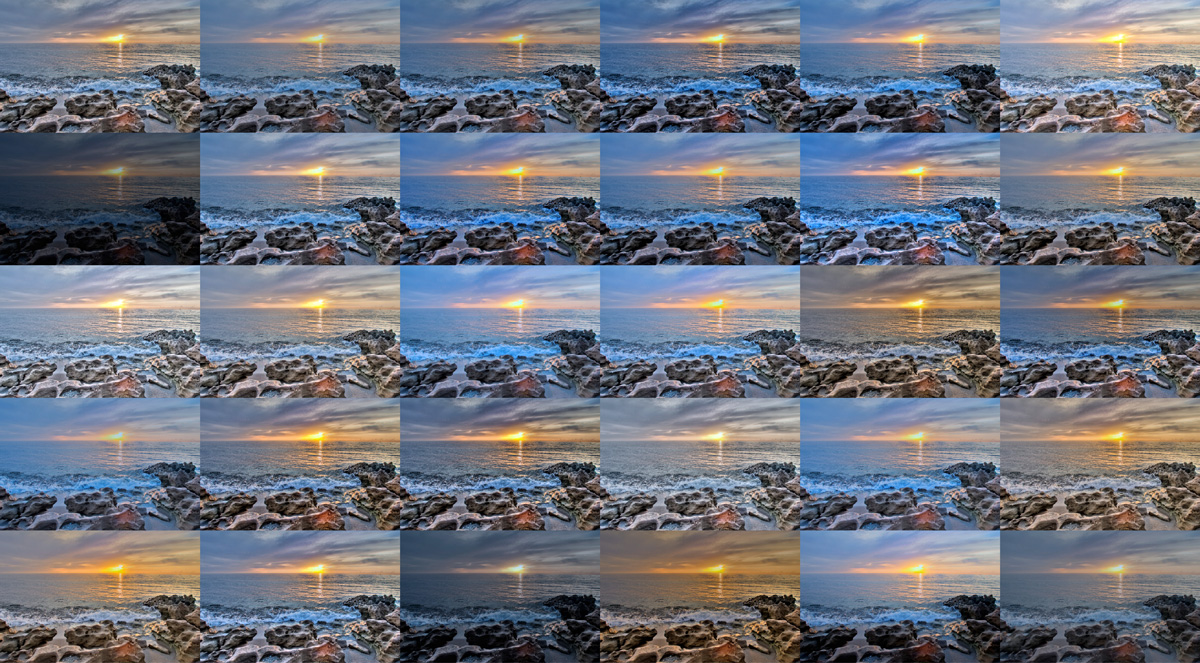
Tone Mapping Presets – View Presets
MORE ABOUT…
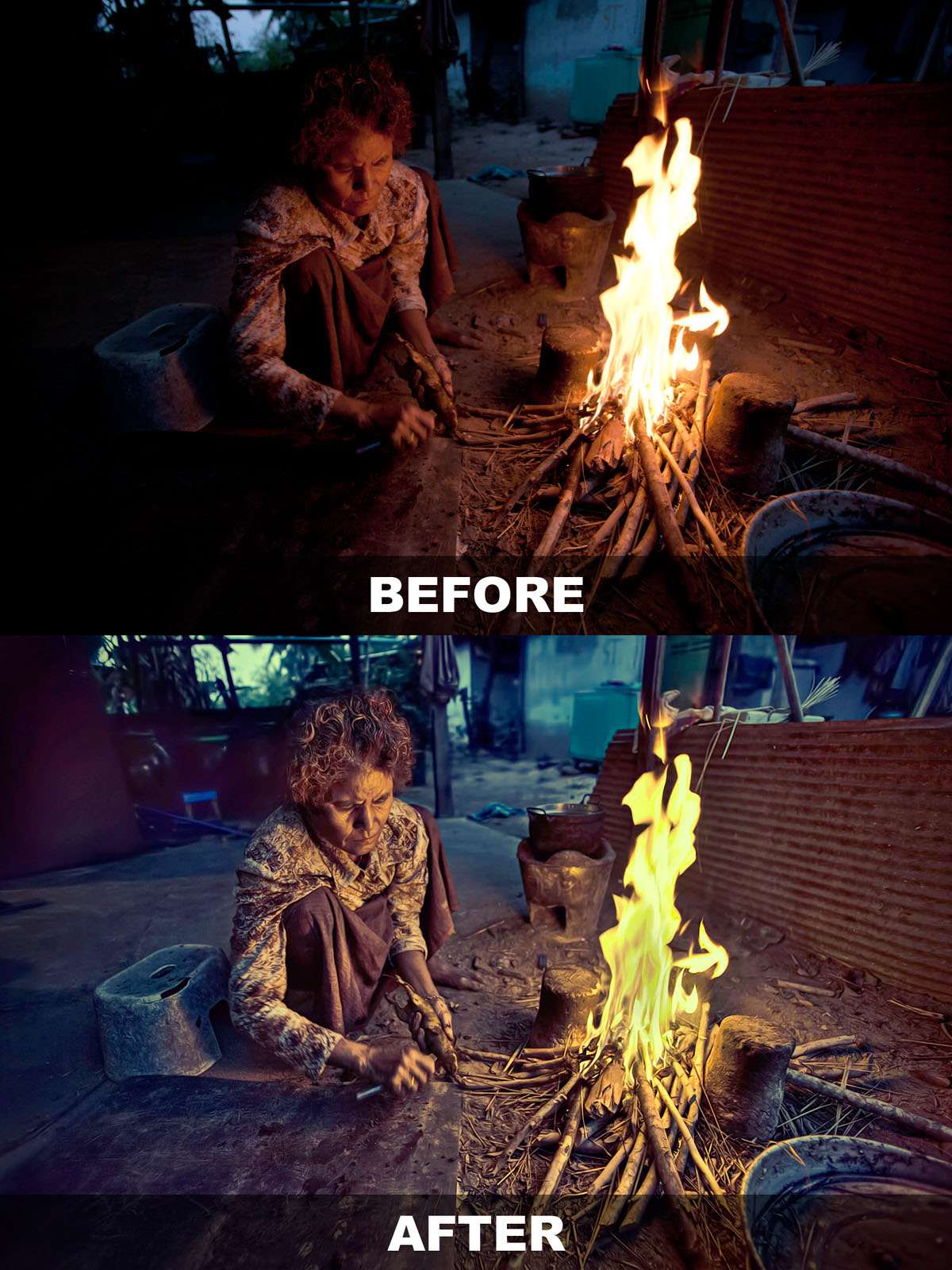
Captain Kimo’s HDR Portrait eBook
- Produce Single Exposure HDR Portraits
eBook with 70 Pages, Guide and 3 Tutorials - Photoshop HDR Portrait Action
Require Topaz Photoshop Plugin Bundle - Photo-Stylize Tutorial
Tutorial for Creating Stylized Photos - View Before & After - Photo-Illustrative Tutorial
Tutorial for Creating Illustrative Photos - View Before & After - Photo-Artistic Tutorial
Tutorial for Creating Artistic Photos - View Before & After - 18 Photomatix Presets
Presets for Tone Mapping Single Exposure RAW
MORE ABOUT…
Captain Kimo’s Photoshop Action
- Photoshop Action by Captain Kimo
Requires Topaz Photoshop Bundle - Simple One Click Play
Simple to Use on Any Image - Step by Step Guide
Easy to follow instruction for using action. - Easy Customization
Layer adjustment makes customization simple.
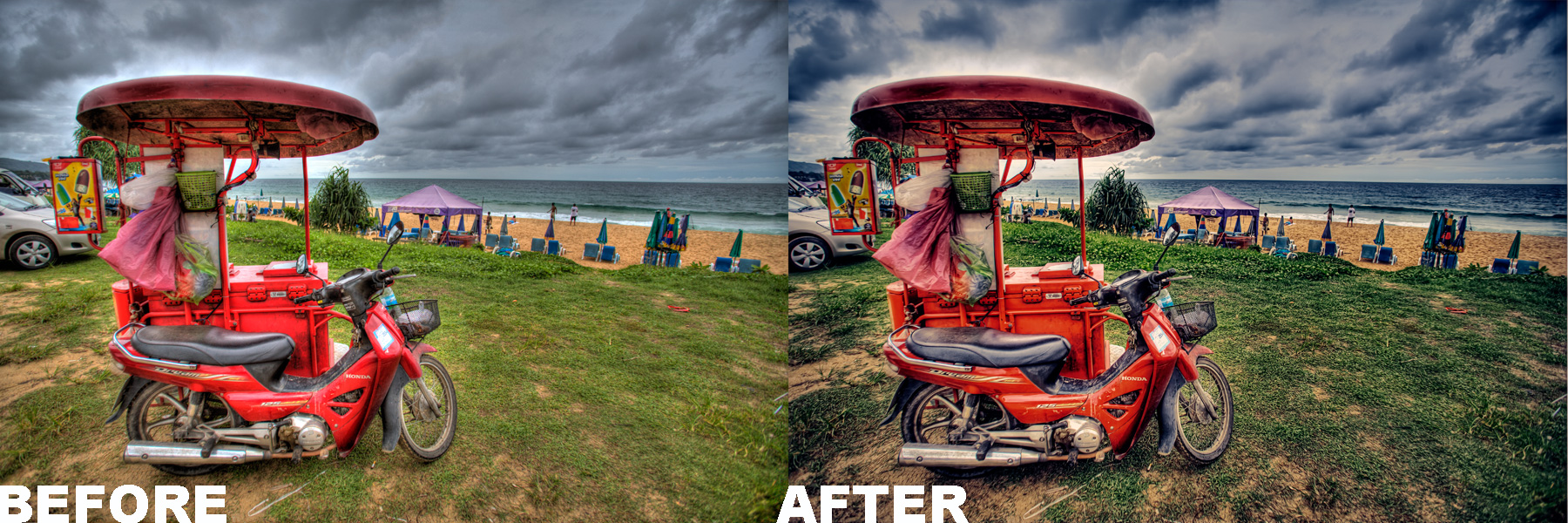
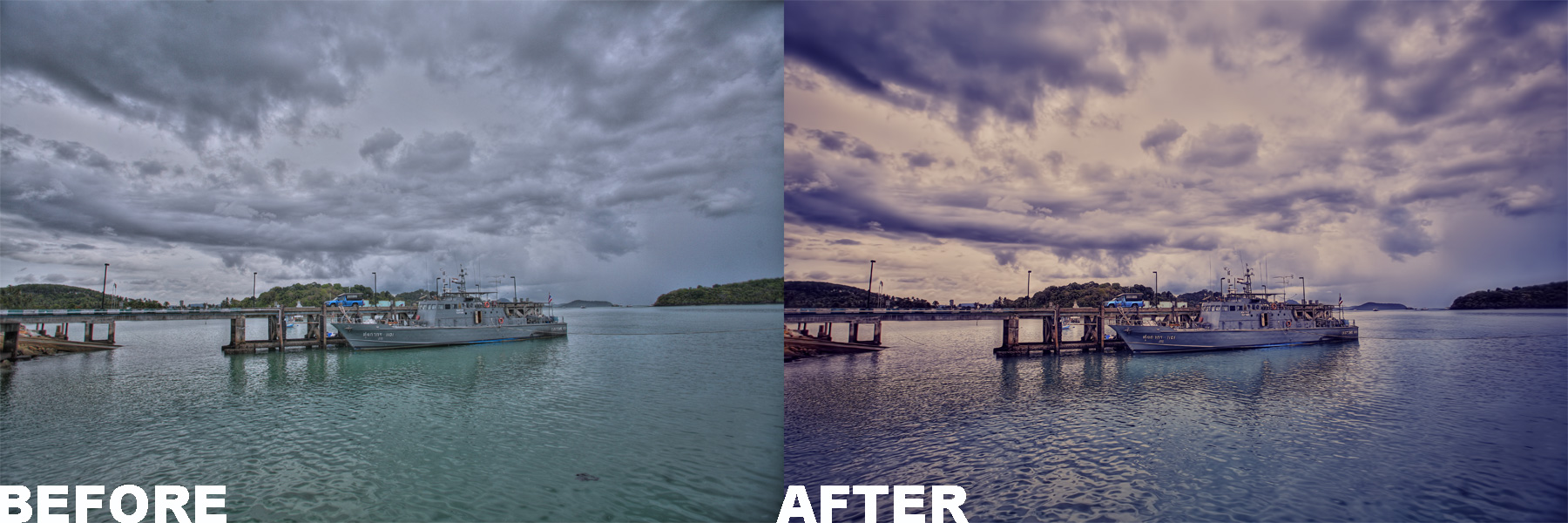
Check Out Some of Captain Kimo’s Before and After Images Below.
These are images after using Captain Kimo’s Photoshop Action.
MORE ABOUT…
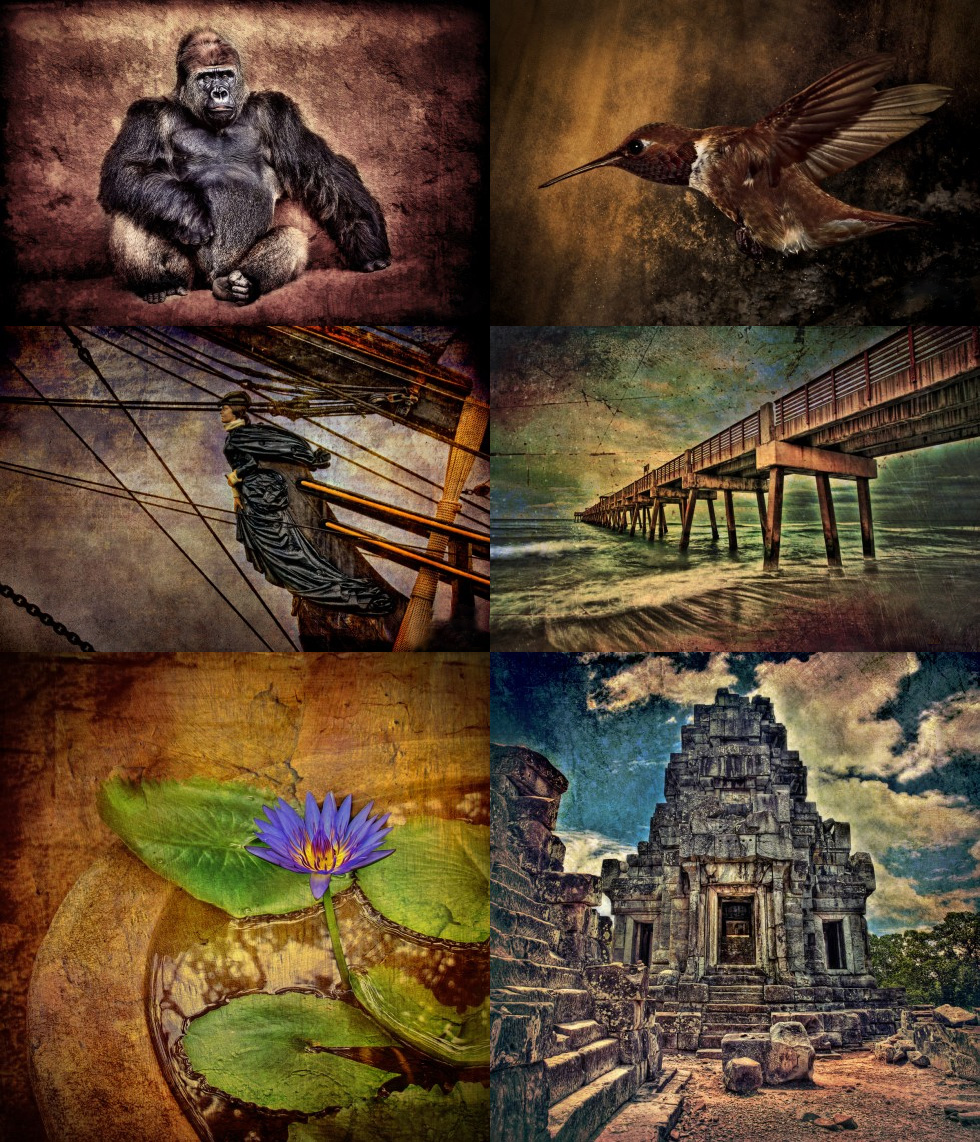
Creative Texturing by Captain Kimo
This 64 page eBook has three lesson on how to texture your HDR photos. There is also a fourth lesson that will show you how to create your own textures. This eBook includes 100 premium textures for you to use on your own images.
Who are these eBooks for?
If you use Photoshop CS or Elements for processing and would like some killer tips to improve your images… then these eBooks are for you!- If you need a better understanding of Photomatix Pro and the tone mapping options… then these eBooks are for you!
- If you want to spice up your HDR images using Photoshop…then these eBooks are for you!
- If you have the Topaz Photoshop Bundle and want to learn cool ways to use them… then these eBooks are for you!
- If you’ve ever wondered how I produced any of my photos… then these eBooks are for you!
“If you want a lifetime of knowledge at no extra cost…
then these eBooks are for you!“
Rob Hanson from robhansonphotography.com writes about Captain Kimo and his eBook.
I first encountered Kim “Captain Kimo” Seng by the recommendation of a mutual friend who said that Kim was freely sharing tips and techniques on his website. Sure enough, on one of my first forays to Kim’s site, I picked up several valuable techniques that I still use regularly.
Since then, I’ve been a steady admirer of Kim’s outstanding HDR work and a frequent visitor to his site. I never walk away empty-handed, as Kim keeps putting his work, his ideas, and his personality ‘out there’ for all to see.
Today’s HDR marketplace is packed full of websites, blogs, and tutorials, and amongst these there are a few people who have risen to luminary status within the community. To get to that level, one has to have solid and consistent output, a steady visible presence, and be willing to share information freely with the rest of us. Kim has all three of those qualities.
This ebook is packed with goodies and information that will be useful to novices and more experienced HDR photographers alike. (I was taking notes while reading it.) Unlike some offerings in the marketplace, this ebook ‘over-delivers’ information relative to its affordable price, and that’s the Captain Kimo I’ve come to know. The tutorials are clear and concise, and the photographs are beautiful. In the book, Kim says that he’s always adapting and innovating, seeking to improve his photography. It’s hard to imagine, but if he does, I’m sure he’ll let us know how it’s done, and that’s a beautiful thing in its own right.
-Rob Hanson
robhansonphotography.com

What other shutterbugs and HDR lovers are saying about, “Secrets to Mastering HDR Photography.”
“I highly recommend this eBook. Excellent work on all levels. Information is thorough, user friendly and well written. Use of typefaces is professional. Design and layout is professional, clean, and easy to follow. Also pleasant use of white space.”
-Linda King- Designer/Photographer
palmbeachcreative.com
“You have written an exceptional eBook. I have read several books on processing HDR photos but your book has risen to the top. I am recommending it to our photo club as must reading. You should submit it to a publisher.”
-Tom
“Kim, this is so well done!!! I love the amount of detail and step by step information you put into this. I love your dedication!!! It shocked me at first, but in a good way. Love it!”
-Sue
“Truly, I’m VERY impressed. Love the layout and simplicity of the instructions. I’ve read a number of HDR books and your book is super easy to follow, especially for those who are new to this.”
-Tammy
“I have every hard copy book, every ebook and every DVD I could find on HDR and yours is by the far the best I’ve seen. What I like about it most, is the detail and explanation you go into on each step in the final HDR process.”
-Glenn
“Very informative and professional. I think you did a great job and I’m not just saying that.”
-Bruce W.
About the Author
I’ve been post processing images for over a decade. I graduated from the Art Institute of Ft. Lauderdale receiving Best of Portfolio with a degree in Computer Graphics and Animation. Since 1998 I’ve worked professionally as a graphic artist, web designer and illustrator. Currently, I work as a freelance landscape/travel photographer earning commission through my photos. My blog CaptainKimo.com is dedicated solely to the art of HDR photography. I update this blog regularly with photos, tutorials, articles, and reviews… all of which is related to high dynamic range photography.
Captain Kimo’s Guarantee

I know I can’t please everyone. If for any reason you are unhappy with your purchase, I will refund you your money back. To receive Captain Kimo’s guarantee, you must request a refund within 30 days of purchase.


Sounds great. I will purchase. Gordo
Dear Captain Kimo, I have just bought your ebook. Cant wait to get home from work and start reading it. It is snowing so hard here (and has done so for the last 7 days) – it will be good to have something to work on during these cold winter days and nights.
Love your newsletter.
Best regards
Ruth
Stockholm
Sweden
Thanks Gordon! Thanks Ruth! I hope you enjoy it like the few who have so far!
Kim, I just purchased and downloaded your ebook. I looks amazing! Very professional. Just the right amount of detail. Much better than the other well known ebook I recently purchased. This is well worth the cost!
Thanks Tim, I tried to make the examples and images as clear as possible. So far everyone is pleased with it, and I am very happy about that.
Just purchase your ebook, Captai Kimosabe!!! So far, not bad. Not bad at all. I think your ebook is much better than Trey Ratcliff’s ebooks and it’s much cheaper.
My dear friend, your ebook is fantastic! There are a lot of tips to use Photoshop and photomatix. With your ebook we can realize magnificent photos in HDR. Thank you and a big bravo to you!
Hi Kimo,
great ebook, i like the simple language that you used. I think it is understandable for beginners and pros and so many useful tips.
Thanks a lot.
Regards
Months ago I came across an image posted by Kim (Captain Kimo) on Flickr, the image was something I had never encountered before. I am 53, a point and shoot photographer and was never really interested in photo enhancement or post processing until that day. It was my first look at an HDR image, Kim “Captain Kimo” described in detail how the image was taken, what software was used and if there were any questions, I could email Kim directly. I was hooked, I emailed Kim and received awesome help on the basics of what I needed to do to get my HDR processing started. Kim (Captain Kimo) has been there every step of my HDR process. Kim has taken time out of his busy schedule to help a total stranger.
My HDR process using Kim techniques caught the eye of my local newspaper and hometown area folks. People are amazed and always ask if these images are paintings. Most folks are very surprised that a camera and very inexpensive software made this happen. Kim fills the gap between camera/computer and final image. The easy part is taking the picture and getting it to the computer, the hard part are the presets, the tweaking, the little things done in Photoshop/ Photomatix Pro that Kim explained so plainly for me to understand. I am indebted to his kindness and patience.
I am still working through the ebook chapters taking notes along the way. The ebook thus far is filled with tips and items I had not considered, the price is awesome, the future pictures I produced from the information found in this book will not equal. Kim, thank you for your hard work with HDR.
Steve Rich
EJ, Omalorig, Hugo and Steve…
thanks for the comments!
I am over joyed that you were able to get a lot from the book!
An excellent book to be recommended to all those who use HDR techniques. The examples shown are very well done as are the explanations of the software procedures needed to obtain the various HDR looks. The images from photographers are stunning and are worth the price of the Ebook.
Hi Captain, I just download the ebook and at first look is amazing, lots of details easy to follow and understand, Thank you very much.
Hi Kim,
I’ve been waiting for your ebook and very happy to hear it’s now ready. Can’t wait to go through it and learn more from you. Your HDR photos have been very inspiring.
Cheers, Quang
A great effort, well done! Details step by step explanation together with great photos. With an affordable price tag, its an excellent reference guide for beginners and pros.
Hi Captain
Downloaded your ebook. I can see where all the time and effort went. It is comprehensive and has easy to follow instructions. I would like to ask you if instead of Photoshop (’cause I cant afford it to put it simply, can I use Paintshop Pro as it has similar features inc layers? I dont know if you have used Paintshop? Can you let me know please. Keep up the inspirational work.
Regards and happy Christmas and New Year !!
Jamil, I used Paintshop Pro ages ago but I’m sure the whole software has changed so I wouldn’t be one to ask that question. But from what I’ve heard the layer concept is similar. If I ever have the time I will do some research on it.
Kim,
While working through your Photomatix tutorial I was somewhat mystified at why my results did not look like yours in the examples provided in your ebook. It wasn’t until I got down to the Highlights Smoothness adjustment that my result started looking like yours.
My Highlights Smoothing preset was at 100 when I started, which had all my results washed out. I think that you will need to give all your starting presets so that your student’s baseline is the same as yours when they start the tutorial. Without that they can’t visually follow the individual adjustments on their screen to match the samples provided.
I tried to locate your baseline when I started the tutorial using the Factory presets window but couldn’t find it. Apparently, you started the tutorial using your own custom presets. At this point, since you have done all the work on your book, it is easier just to add an addendum at the beginning telling your students what the initial presets are so that they can adjust to match them before beginning the lesson.
Kind regards,
Gordon
Gordon,
The Photomatix tone mapping lesson in this book starts with the default preset for Detail Enhancer. I didn’t use any custom preset because I wanted to make sure the book was easy to follow. So the baseline is the Default for Detail Enhancer. I will make a note of that if I didn’t mention it in the book.
Thanks for mentioning it,
Kim
GREAT BOOK- THANKS
I have 4 other books on HDR I got more out of your book
in 3 hrs, then all of the others combinded.
THANKS
Jerry
Jerry, I’m glad you were able to get info from the ebook. If you have questions regarding any of the techniques just let me know.
Thanks for the support, Kim
Tried ordering hdr e-book but have not received. Filled in credit card info and clicked “Review and Continue” which appeared to end proccess. Was order received? Thanks.
Joel, Your order did not go through. Try again, if for some reason you get double charged I’ll take care of it.
Thanks for the support, Kim
I thought that is what I eventually selected but apparently it wasn’t the same. You might want to specify the settings in case someone alters the original Detail Enhancer settings. Thanks.
Gordon
Hi Captain Kimo:
Loved your e-book; everything except the Photoshop lessons. You see I just purchased Photoshop Elements 9 and am still learning my way around in that. It appears I should have spent the extra buck on Photoshop or is there a workaround in PSe for your PS tips? Otherwise the Photomatix walk-thru was worth the price of your book. Still a devoted fan.
Chip
I did the lesson again and found that the default Detail Enhancer settings were correct so I don’t know why they got skewed the first time around.
As I read your manual I am very impressed with the detail and simplicity with which you explain the process. I meant to say earlier that it is a great work which will help many people work successfully with HDR. Thanks.
Gordon
@Gordon – Thanks… that was my primary goal, to make it easy to understand without jargon that goes off topic.
@Chip – There’s work around for everything
I like using elements myself but for the price Photoshop is more productive. I believe you can get a upgrade to the regular version for the same price. I highly recommend when you get the chance.
Kim, on page 73 of your ebook it doesn’t say how the ‘Fill’ screen appears. Perhaps it just pops up with the last action taken. It would be helpful to know.
Also, on page 75 under ‘Blending the Wave’, the Overexposure layer mask is black. It appears that the user must look to the overexposed image on the left in order to see where to paint on the black mask on the right. From what I was able to understand, the user paints the general area in white and then goes back and touches up with black in order to match and fit in only the intended mask details.
Can this window be enlarged when the details are very fine in order to make it easier to paint up to the intended edges? Your example is very simple for demonstration purposes but I can see where using this technique and procedure could be very time consuming if you had trees or brushy edges as your border area. You might want to comment on when to consider using this technique and when not to, so that the reader has some perspective for future application. Thanks.
Gordon
On page 73 there is a Fill screen window. If you’re refering to a process between the Fill screen window and the filling of the layer mask, there is none.
If I understand your question right,on page 75, there is no alternative to layer masking.
You can’t enlarge the layer mask window but you can zoom into the Photoshop window to view your blending detail of your image. If you want to see your layer mask in the Photoshop window click on the layer mask window while holding the alt key. I explain this later in the book, I try not to bombard the viwer with to much info all at once or else they might not retain anything.
Hope this helps,
Kim
Thanks Kim. I was just wondering how that ‘Fill Screen’ window on page 73 came up. It did not appear self evident how that showed up. ?:)
Yes, I understand your concerns regarding too much info.
My assumption has been that the painting of white is done within the layer mask window, even though the layer mask window is black and you can’t really see anything until the result shows up in the HDR image. Then it occurred to me that perhaps the painting is actually done in the HDR image where you can see where and what you are painting white. Please clarify. Thanks.
I do not mean to belabor the issue, but it may be helpful for you to see what the reader is or is not seeing and getting from your tutorial.
Gordon
Great book! An indispensable book for photographer HDR. Congratulation.
Thank you Anto, I’m glad you liked it.
Gordon, The white and black fill appears only on the layer mask window. If your layer mask is white you will see everything that is on that layer. You will not see white or black on the Photoshop window/HDR image. The only way for you to see the actual layer mask in the Photoshop window/HDR image is by alt clicking the layer mask. This will hide everything and reveal the actual mask.
Kim
Thanks Kim. I have downloaded the 30 day trial version of Photoshop CS5 together with the 30 day trial version of the Topaz bundle and will work with them as I practice your tutorial. Perhps all my questions will be answered with an interactive hands on approach. If I still have any questions I will get back in touch. Again, thanks for taking your valued time to respond.
Gordon
Kim,
In addition to this book, I would be willing to spend the same amount again on a conceptual book that shows how to properly approach different scenes with methods and techniques for drawing the observer’s eye to a focal point.
I clearly understand what you are communicating in terms of the criteria for leading the observers eye somewhere and how important that is in making an image compelling for the viewer. It is probably individually more important than all the HDR techniques in your ebook.
Once I saw the truth in what you shared, I realized that I don’t even have the proper knowledge base to properly evaluate lanscape scenes in terms of what to look for and how to see something in a view that doesn’t yet exist.
Your seaside sunsets are a great place to start and are very obvious and logical subjects to initially demonstrate the effects of proper technique.
It would also be nice to get permission from some of the more well known photographers that you have listed on your site in order to incorporate some of their very awe inspiring images as excellent examples of your techniques.
Gordon
Kim,
I have done some research on chromatic aberration (CA) correction to see what is out there. Besides the CA reduction check box in Photomatix (whose results can be unexpected), the only other tool I am seeing is in Photoshop under the chromatic aberration correction sliders.
Yes, I am aware of creating a layer mask and removing CA in the same way as you show removing halos. However, not every instance of CA is that simple. When there is allot going on in the photo, such as intermitant leaves against a bright sky, doing a layer mask just doesn’t fit the task at hand very well.
For that reason, the CA sliders in Photoshop seem to be the more elegant tool for the job. However, where there is more extreme instances of CA, I suspect that trying to eliminate CA by color shifting with sliders will also alter the over all tone quality of the image. Would that be correct?
Does the latest Topaz or the lastest version of Photoshop have a good fix that functions more discretely? In other words, instead of color shifting, do a full color replacement blend after indentifying the offending shades and using alogorithms that only look for outer edge banding in those shades.
I would think that after all this time, CA filter correction would have become as sophisticated as noise reduction filters.
Gordon
Hello Captain Kimo,
I just wanted to say that I am only 3 chapters into your book and I have already noticed a big improvement with my post processing and I only bought the book yesterday!
Looking forward to reading the rest of your book and keep practicing my HDR and post processing skills.
Thanks for helping out us “normal” folks in Photography shine.
Glenn
No problem Glenn. Keep practicing, you’re already shining among the best of them!
Hi Kim,
I just finished your book today and saw that in the book you already answered some of my earlier questions. I really enjoyed the end of the book where you discussed some hints about compostion (I look forward to your next ebook on the subject), equipment considerations, and what to consider while going out for a shoot and when are the best times to go.
Having read several articles on the subject, yours was by far the best, most informative, as well as entertaining. I really enjoyed some of your photo and post processing work at the end as well. Very inspiring. Thanks for a great job.
Gordon
Thank you Gordon. I’m glad you were able to find the answers after finishing the book. My next book might be on people, as I see a lot of my traffic goes to my HDR portrait tutorials.
You are most welcome Kim. I did notice how you used Fibonocci numbers to space the elements in your photo compositions. That was very helpful. Gordon
Kim,
Wouldn’t it be possible to take one normally focused exposure and then use Photoshop to reduce that exposure by plus two stops as well as by minus two stops and save those images separately as part of the HDR composite, such there is no possibility of ghosting together with perfect alignment?
Gordon
Gordon,
I have an article on doing just that here:
http://captainkimo.com/single-exposure-hdr
Alternatively you can use shadow/highlights in Photoshop to produce HDR results without having to go through all those steps.
Kim
Thanks Kim. I think I did read that article but became a little confused the first time I read it. Having studied it again, I realize that you use an overexposed RAW first in Photoshop in order to create the ‘evenly’ exposed TIFF and then adjust the stops +2 and -2 from the evenly exposed TIFF to create both the over and under exposed TIFF’s. I assume that you have tried using an evenly exposed RAW to create the three TIFF’s but that there is more noise because of less light.
Question? Why do single exposure HDR’s tend to be more grainy than multiple exposure HDR’s? Is there a technical reason for why that should be? Is the noise factor caused by Photoshop stretching the other two exposures? Also, can you use Photoshop to create the three exposures in RAW format and merge those into an HDR TIFF? Would that help to eliminate or reduce some the noise factor? Thanks.
Gordon
That’s right Gordon, noise is caused by trying to achieve more range than what is possible from that single exposure. With more exposure’s that were taken from the camera and not digitally created you have more range.
Thanks Kim. I now understand the issue. Manipulating range does not increase the range. You must have more original exposures in order to avoid streached noise. Thanks.
Hi, just got your ebook and love it. Question about your actions. I use Photoshop Elements 8 and was wondering if you could provide directions for loading the Captain Kimo Action into Elements 8. I’ve got it in the Documents and Settings>All Users>Application Data>Adobe>Photoshop Elements>8.0>Photo Creations>Photo Effects. In Full Edit it shows up under Effects as just one item instead of a choice of actions. The only thing that happens is a gradient mask and that’s all. How do I get the rest of the actions to come up. Would love to use them. Thanks
The action weren’t really designed for Adobe Photoshop Elements but I will work on creating actions specifically for it.
-Kim
Thanks Kim. That would be fantastic if you create actions for Element users. Will you let us PSE users know if and when they are available in your newsletter?
Yes I’ll do an announcement in the newsletter and email everyone that purchased the ebook. The updated action for PSE will be part of a new ebook package that will be available for sale at a smaller price range. But it will be freely available to those who purchased or will purchase SM HDR Photography.
Thank you Kim! Your ebook is great!