Secrets to Mastering HDR Photography
Secrets to Mastering HDR Photography is more than just an eBook, it’s a Lifetime Membership to all my premium tutorials. For one low price you get quality eBooks and videos to expand your photography skills. There is no extra cost after you buy. You’ll receive all my current eBooks and videos, as well as future tutorials. You won’t find a training course like this anywhere!
- Click Here to Buy Lifetime Membership.
Lifetime Membership Includes
Everything Listed Below and Future Tutorials…
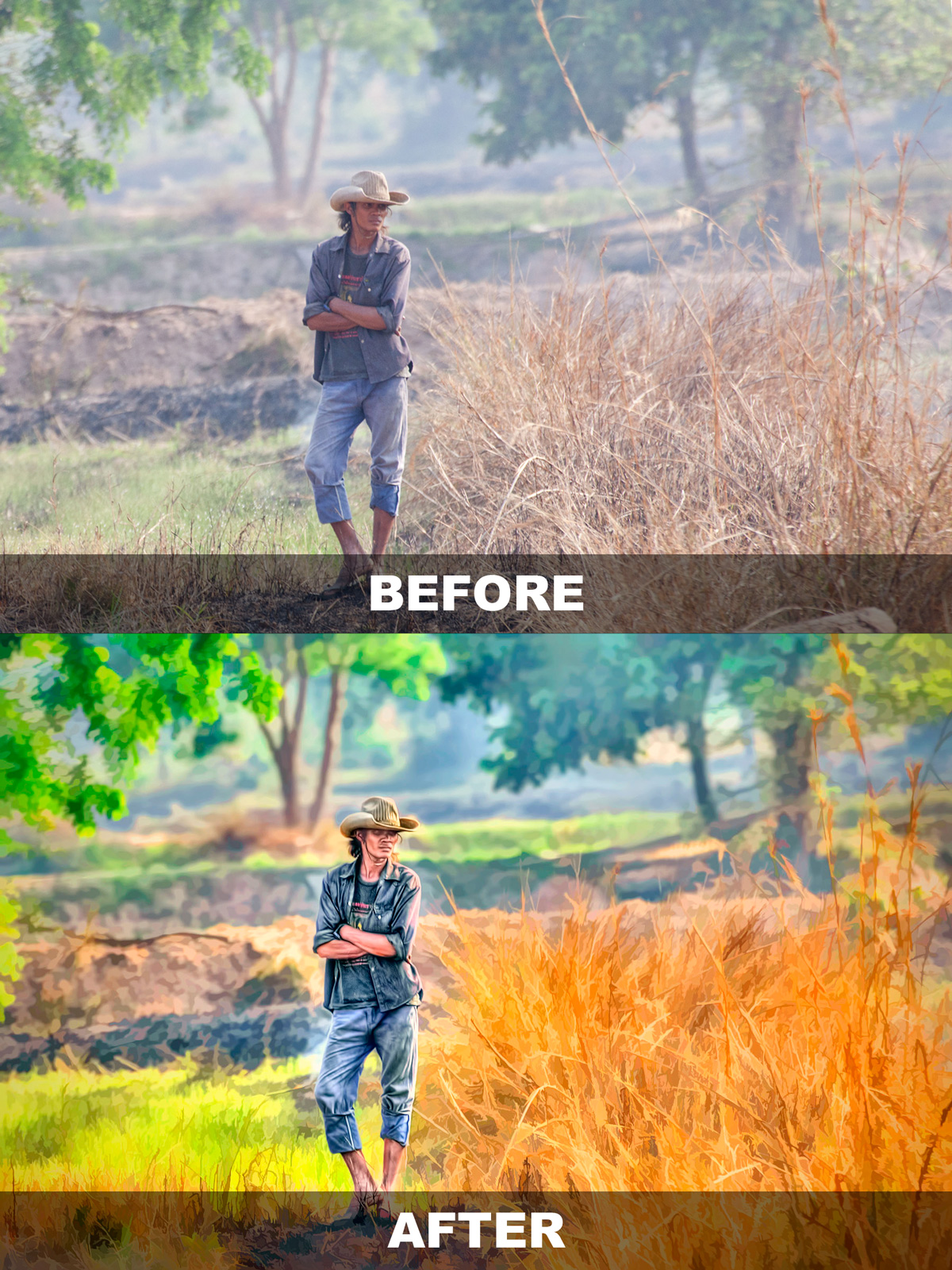
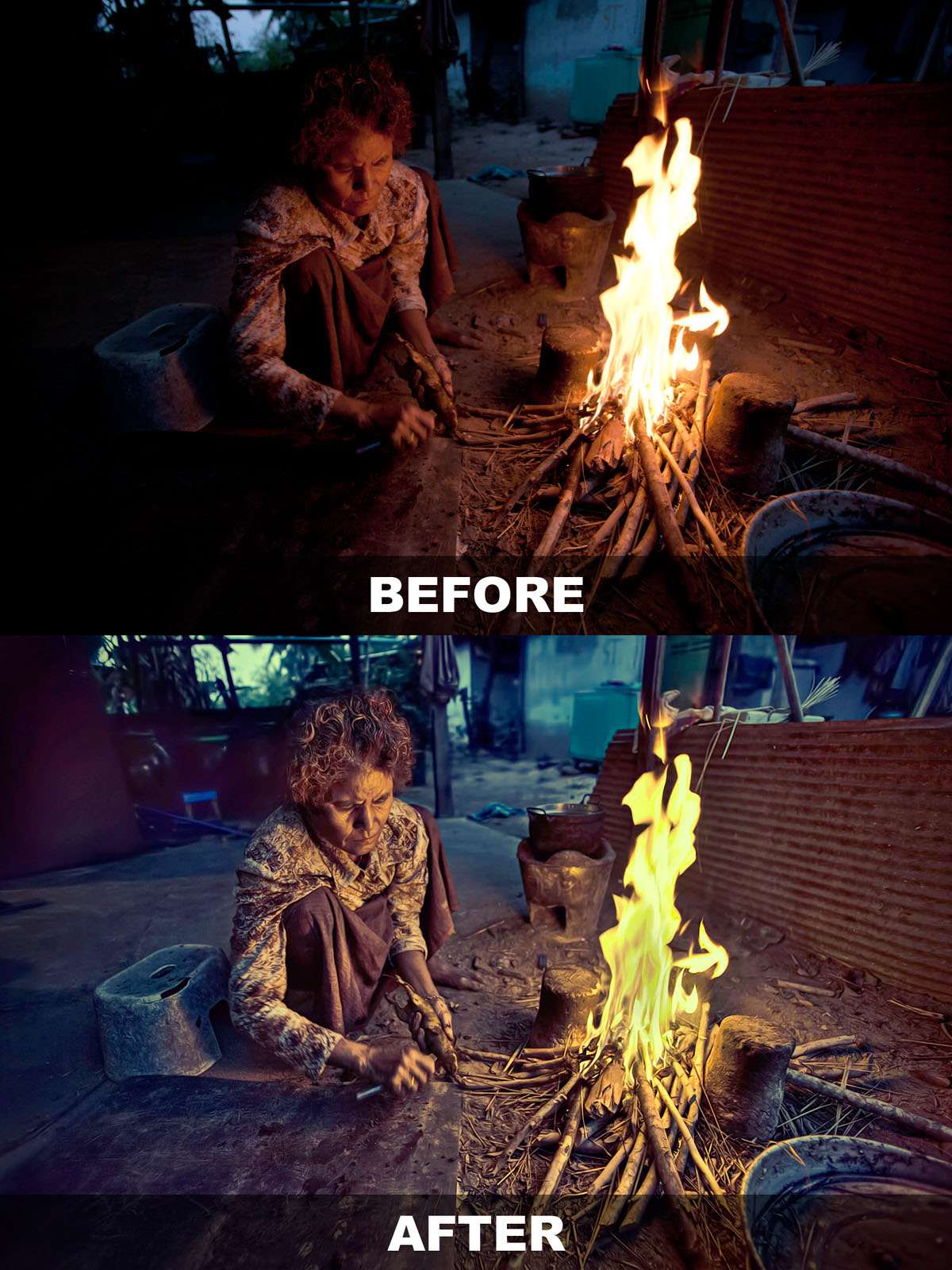
This 70 page eBook will teach you how to produce cool single exposure HDR portraits. I’ll show you how to create 3 different looks from one Photoshop Action that’s included with this eBook package.
Twenty (20) minute video tutorial on how I process a full moon HDR image. Includes working files and PSD file with layers. This is a video on post processing only. I will do a separate video on getting the exposure soon. Click here to watch the intro.
Twenty (20) minute video tutorial on how I process an HDR Panorama image. I’ll show you how to stitch a Pano in Photoshop and batch process HDR in Photomatix. Click here to watch the intro.
Fifteen (15) minute video tutorial on how I add clouds to an Eagle in-flight photo to create a single exposure HDR image. I’ll show you how I process and create pseudo HDR images in Photomatix Pro. Click here to watch the intro.
Captain Kimo’s Members Only website is currently in development. Once it’s done you’ll have access to all the Captain Kimo eBooks, videos and training material for your entire lifetime!MORE ABOUT…
Secrets to Mastering HDR Photography
- Create Breathtaking HDR Images
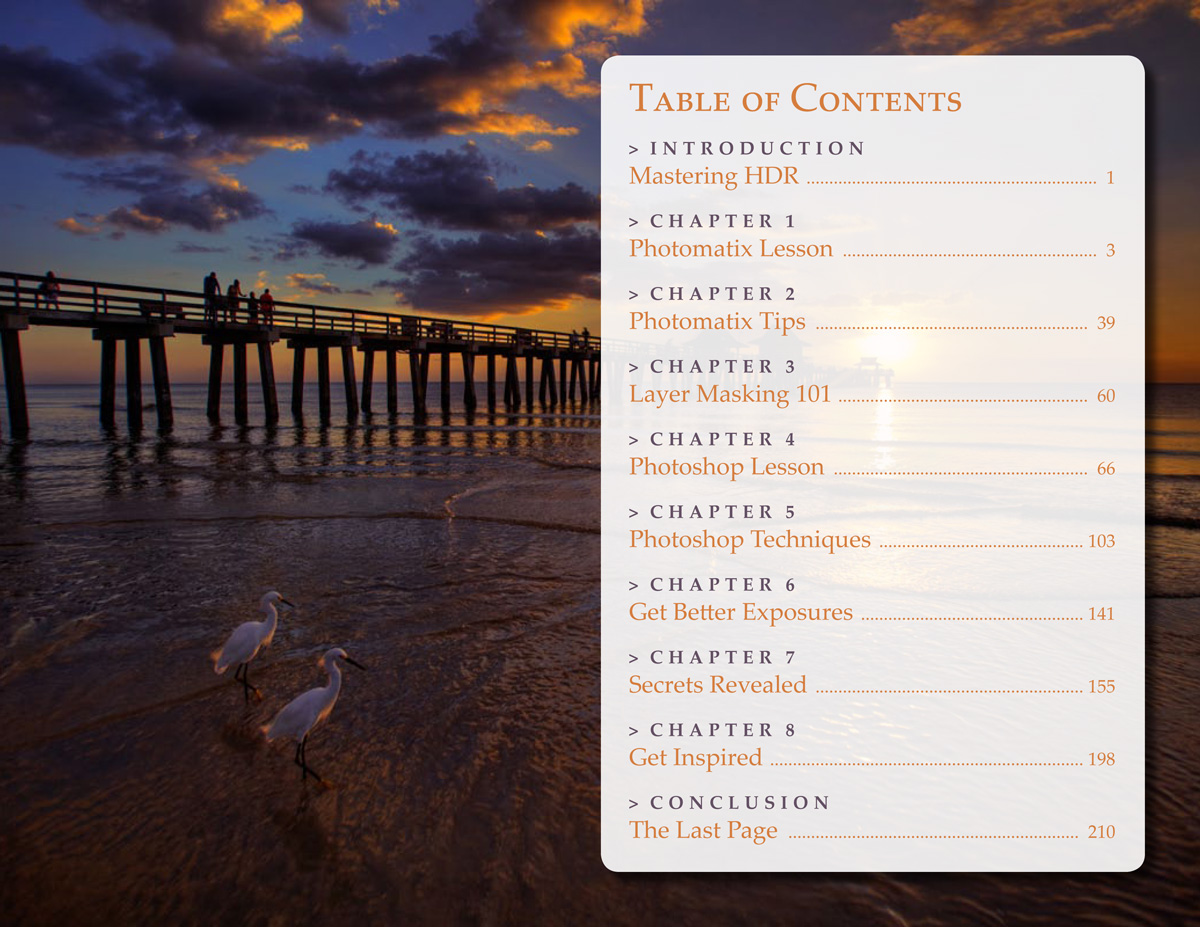
210 Page eBook - View Table of Contents - Step by Step Lesson
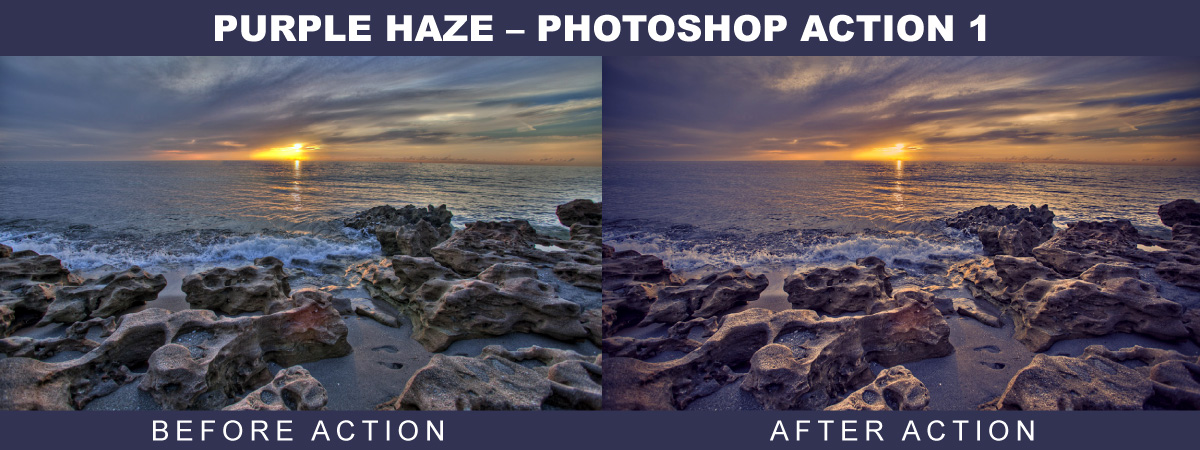
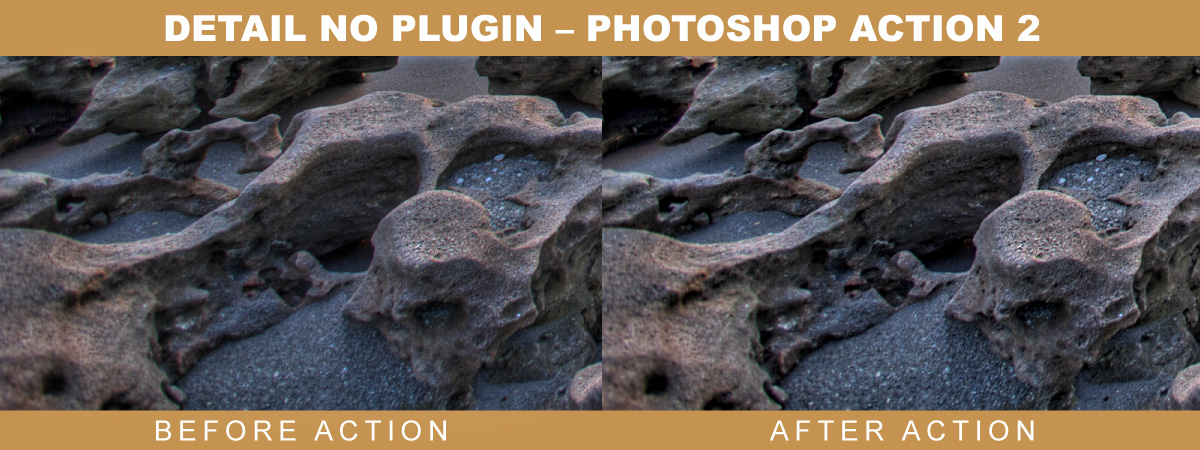
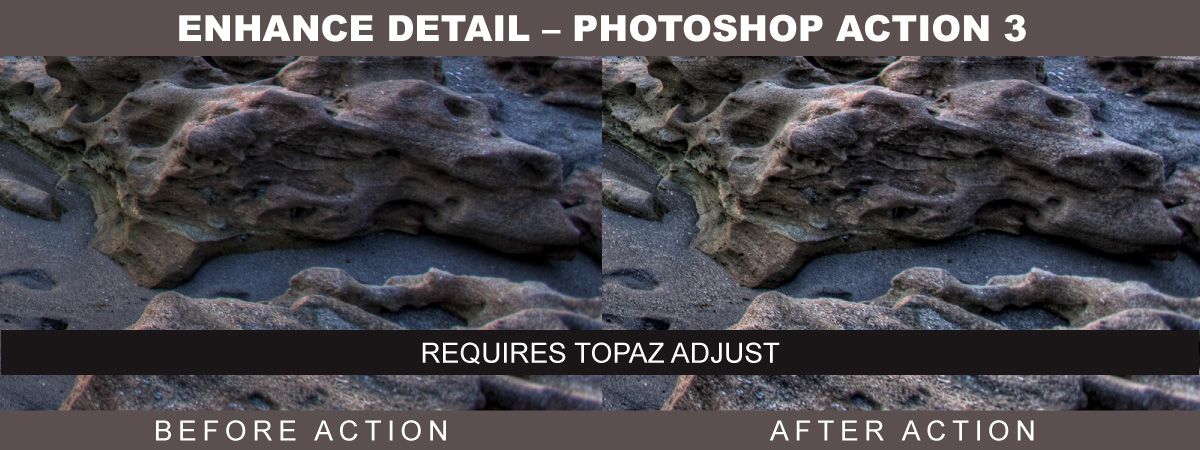
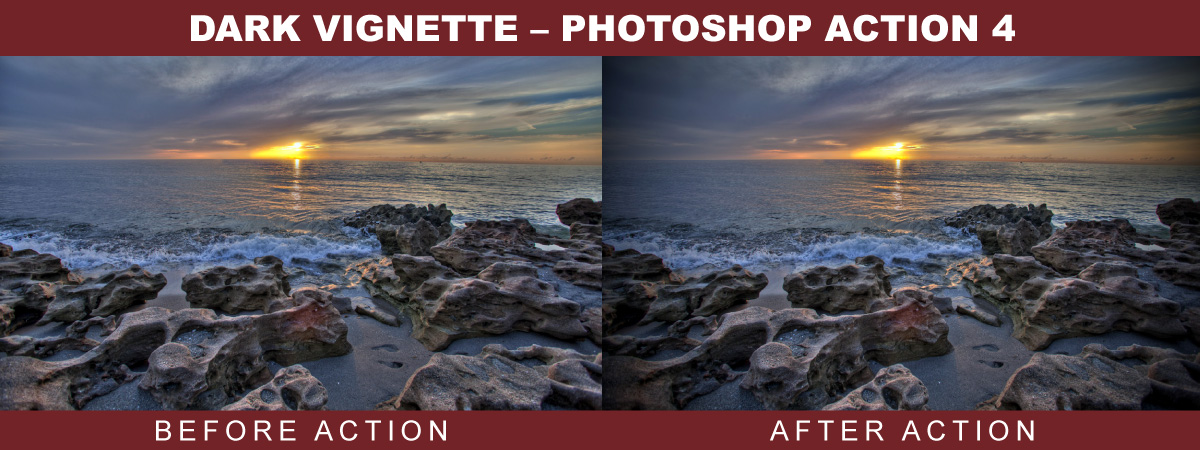
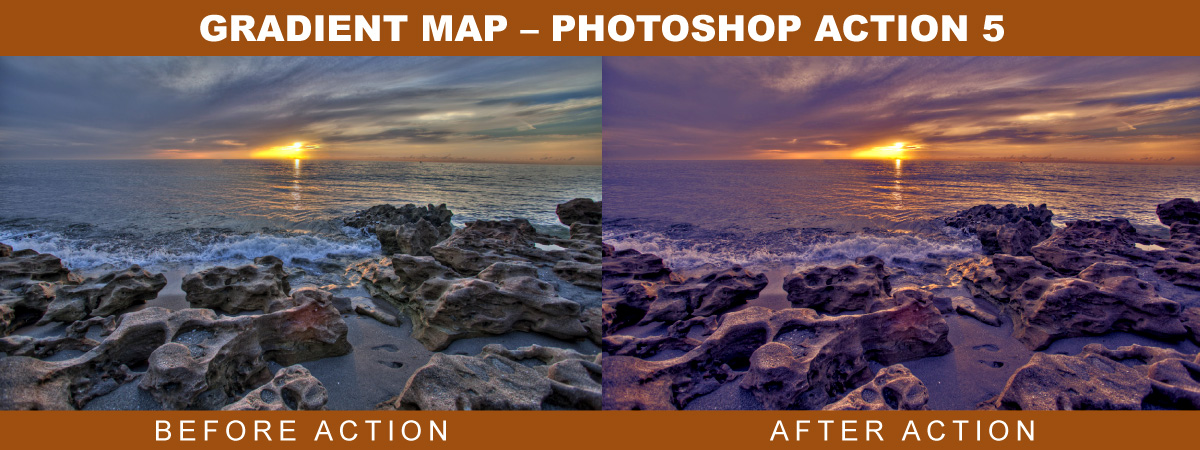
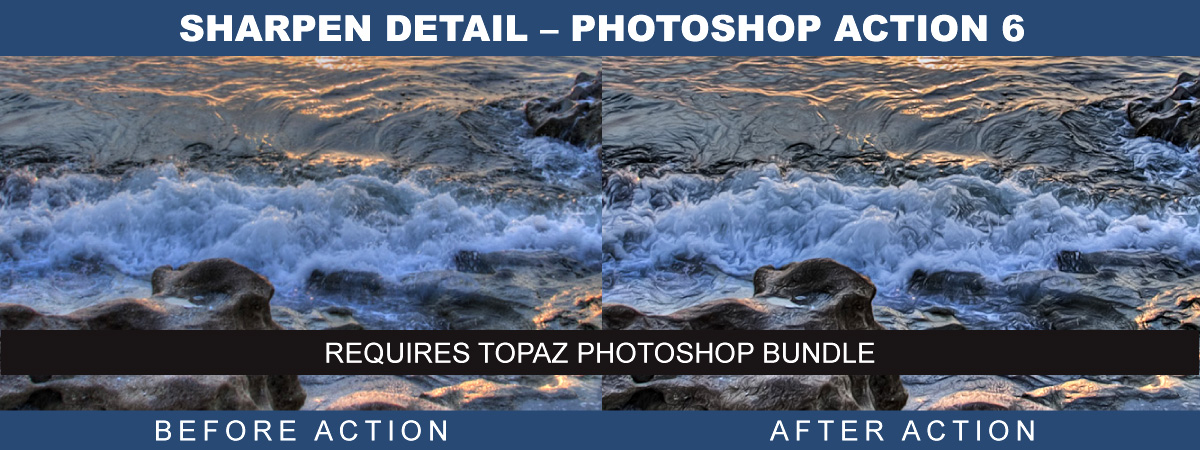
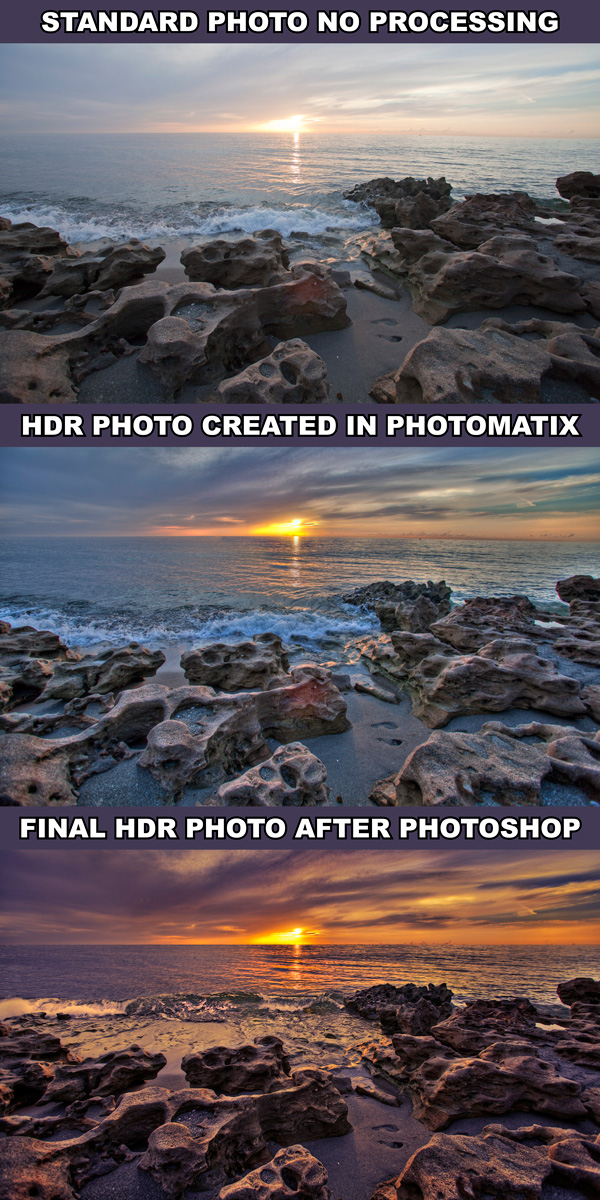
One Complete Lesson - View Before & After & Exposures - 6 Photoshop Actions
View Actions; One, Two, Three, Four, Five & Six - 30 Photomatix Presets
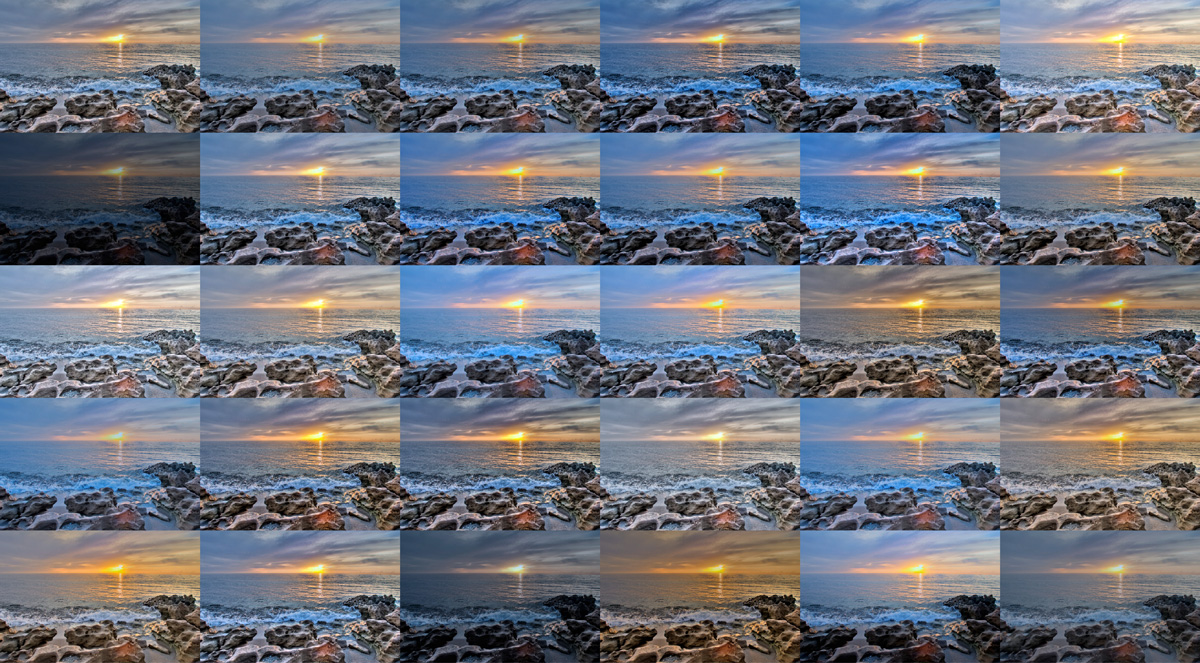
Tone Mapping Presets – View Presets
MORE ABOUT…
Captain Kimo’s HDR Portrait eBook
- Produce Single Exposure HDR Portraits
eBook with 70 Pages, Guide and 3 Tutorials - Photoshop HDR Portrait Action
Require Topaz Photoshop Plugin Bundle - Photo-Stylize Tutorial
Tutorial for Creating Stylized Photos - View Before & After - Photo-Illustrative Tutorial
Tutorial for Creating Illustrative Photos - View Before & After - Photo-Artistic Tutorial
Tutorial for Creating Artistic Photos - View Before & After - 18 Photomatix Presets
Presets for Tone Mapping Single Exposure RAW
MORE ABOUT…
Captain Kimo’s Photoshop Action
- Photoshop Action by Captain Kimo
Requires Topaz Photoshop Bundle - Simple One Click Play
Simple to Use on Any Image - Step by Step Guide
Easy to follow instruction for using action. - Easy Customization
Layer adjustment makes customization simple.
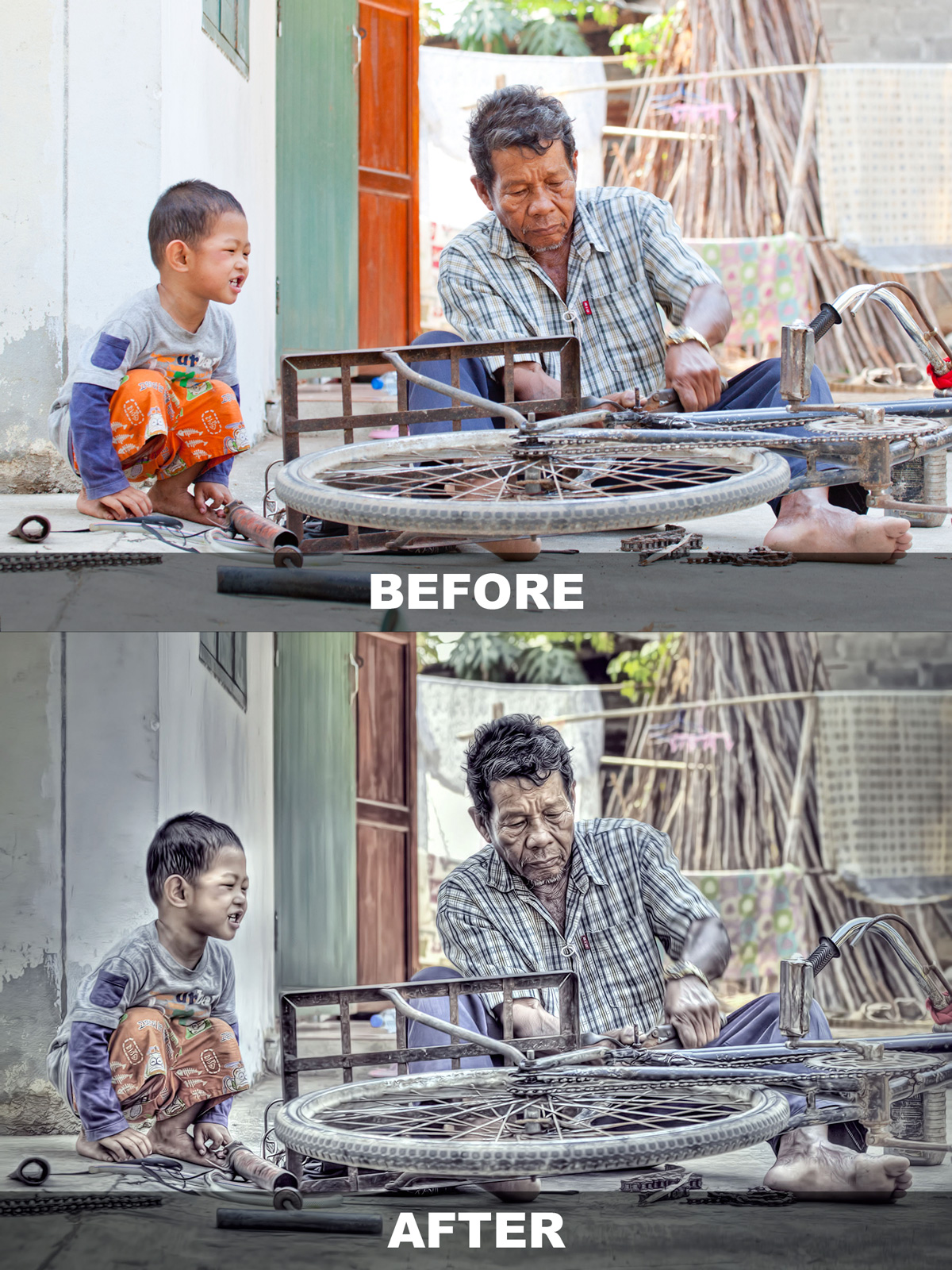
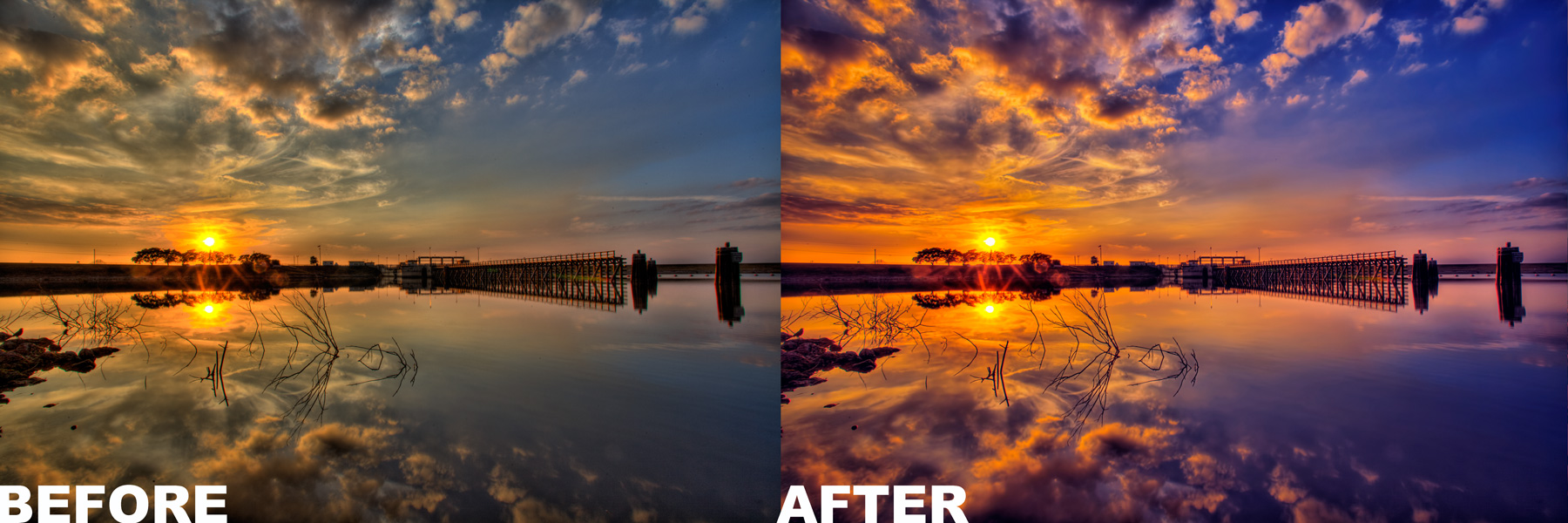
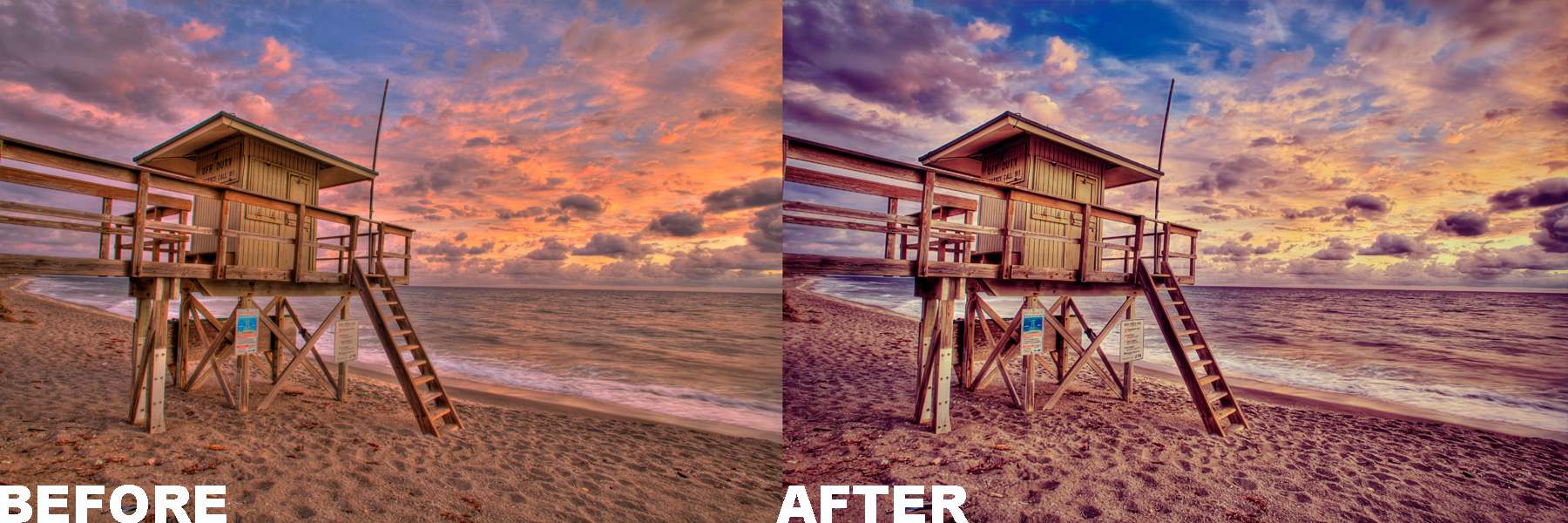
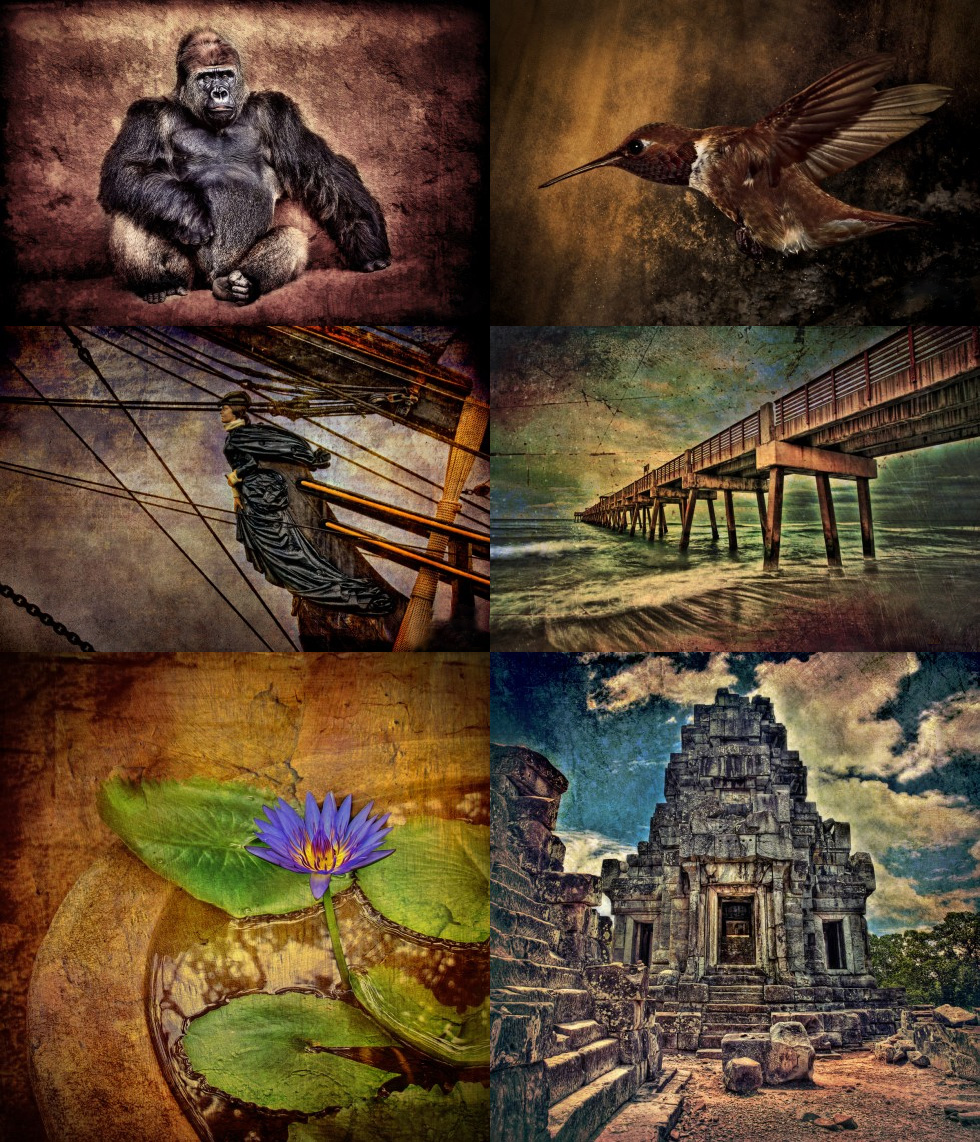
Check Out Some of Captain Kimo’s Before and After Images Below.
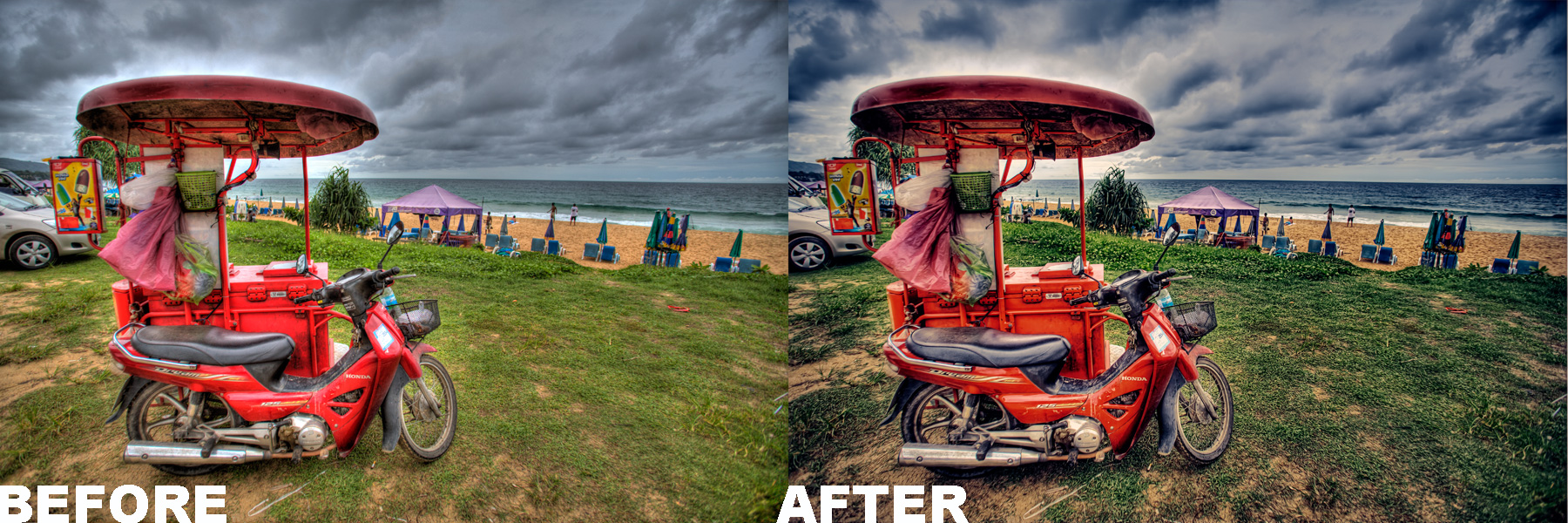
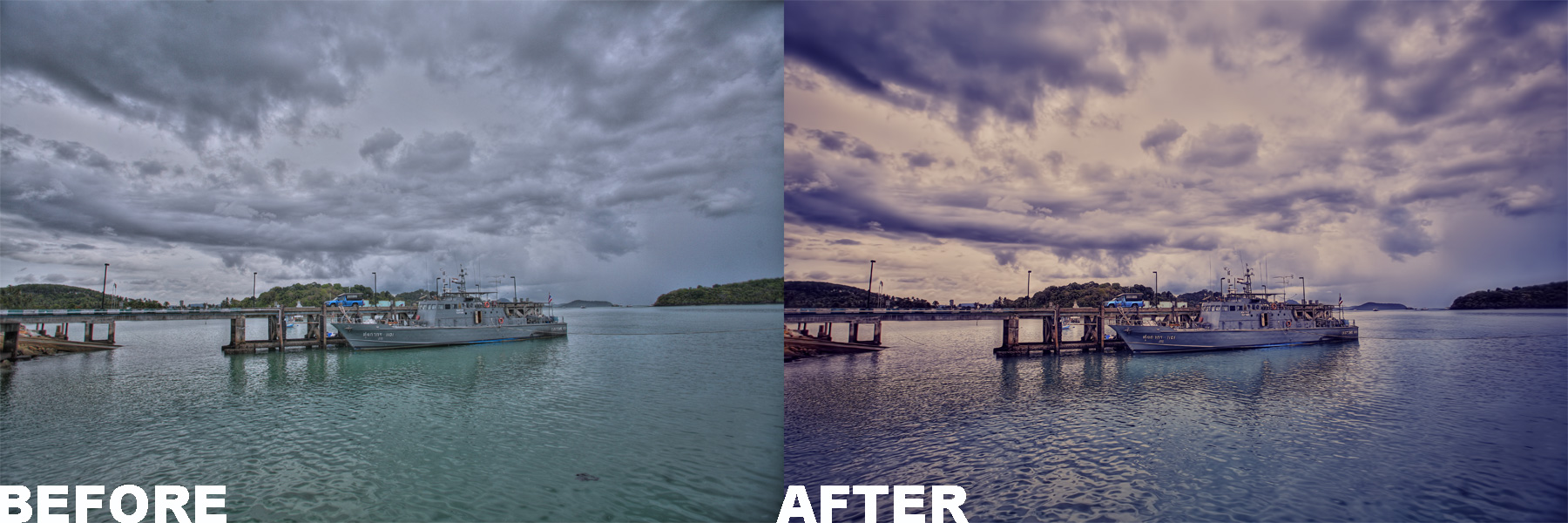
These are images after using Captain Kimo’s Photoshop Action.
MORE ABOUT…
Creative Texturing by Captain Kimo
This 64 page eBook has three lesson on how to texture your HDR photos. There is also a fourth lesson that will show you how to create your own textures. This eBook includes 100 premium textures for you to use on your own images.
Who are these eBooks for?
If you use Photoshop CS or Elements for processing and would like some killer tips to improve your images… then these eBooks are for you!- If you need a better understanding of Photomatix Pro and the tone mapping options… then these eBooks are for you!
- If you want to spice up your HDR images using Photoshop…then these eBooks are for you!
- If you have the Topaz Photoshop Bundle and want to learn cool ways to use them… then these eBooks are for you!
- If you’ve ever wondered how I produced any of my photos… then these eBooks are for you!
“If you want a lifetime of knowledge at no extra cost…
then these eBooks are for you!“
Rob Hanson from robhansonphotography.com writes about Captain Kimo and his eBook.
I first encountered Kim “Captain Kimo” Seng by the recommendation of a mutual friend who said that Kim was freely sharing tips and techniques on his website. Sure enough, on one of my first forays to Kim’s site, I picked up several valuable techniques that I still use regularly.
Since then, I’ve been a steady admirer of Kim’s outstanding HDR work and a frequent visitor to his site. I never walk away empty-handed, as Kim keeps putting his work, his ideas, and his personality ‘out there’ for all to see.
Today’s HDR marketplace is packed full of websites, blogs, and tutorials, and amongst these there are a few people who have risen to luminary status within the community. To get to that level, one has to have solid and consistent output, a steady visible presence, and be willing to share information freely with the rest of us. Kim has all three of those qualities.
This ebook is packed with goodies and information that will be useful to novices and more experienced HDR photographers alike. (I was taking notes while reading it.) Unlike some offerings in the marketplace, this ebook ‘over-delivers’ information relative to its affordable price, and that’s the Captain Kimo I’ve come to know. The tutorials are clear and concise, and the photographs are beautiful. In the book, Kim says that he’s always adapting and innovating, seeking to improve his photography. It’s hard to imagine, but if he does, I’m sure he’ll let us know how it’s done, and that’s a beautiful thing in its own right.
-Rob Hanson
robhansonphotography.com

What other shutterbugs and HDR lovers are saying about, “Secrets to Mastering HDR Photography.”
“I highly recommend this eBook. Excellent work on all levels. Information is thorough, user friendly and well written. Use of typefaces is professional. Design and layout is professional, clean, and easy to follow. Also pleasant use of white space.”
-Linda King- Designer/Photographer
palmbeachcreative.com
“You have written an exceptional eBook. I have read several books on processing HDR photos but your book has risen to the top. I am recommending it to our photo club as must reading. You should submit it to a publisher.”
-Tom
“Kim, this is so well done!!! I love the amount of detail and step by step information you put into this. I love your dedication!!! It shocked me at first, but in a good way. Love it!”
-Sue
“Truly, I’m VERY impressed. Love the layout and simplicity of the instructions. I’ve read a number of HDR books and your book is super easy to follow, especially for those who are new to this.”
-Tammy
“I have every hard copy book, every ebook and every DVD I could find on HDR and yours is by the far the best I’ve seen. What I like about it most, is the detail and explanation you go into on each step in the final HDR process.”
-Glenn
“Very informative and professional. I think you did a great job and I’m not just saying that.”
-Bruce W.
About the Author
I’ve been post processing images for over a decade. I graduated from the Art Institute of Ft. Lauderdale receiving Best of Portfolio with a degree in Computer Graphics and Animation. Since 1998 I’ve worked professionally as a graphic artist, web designer and illustrator. Currently, I work as a freelance landscape/travel photographer earning commission through my photos. My blog CaptainKimo.com is dedicated solely to the art of HDR photography. I update this blog regularly with photos, tutorials, articles, and reviews… all of which is related to high dynamic range photography.
Captain Kimo’s Guarantee

I know I can’t please everyone. If for any reason you are unhappy with your purchase, I will refund you your money back. To receive Captain Kimo’s guarantee, you must request a refund within 30 days of purchase.


Kimo, Awesome book. Like others, I purchased books from other HDR “experts”, and while their images are outstanding and their techniques clearly outstanding, their explanations and writing are something to be desired. Your book covers EVERTHING! I love the section on Halos. that is my biggest problem with HDR, as it is many others as well. I am glad Scott Wyden posted this to facebook! This is by far the best HDR tut book out there. Great job.
Thanks Christian, more updates to come. Got the new Photoshop action ready for action
Hi Kim,
I’m hooked on HDR photos thanks to your wonderful e-book. I keep going back to it while working in Photomatix and am getting the hang of it thanks to your clear explanations. The one question I do have, though, is about your use of Topaz Clean. I’ve purchased it but come up with weird curls when using it, especially in leaves. What kind of settings do you recommend using with Clean. Love your photos!
Captain Kimo,
Many thanks for a great book and actions. I enjoy your site and your work. Many thanks for sharing with all.
Best of Luck for 2011.
You should publish on a wider scale I have yet to find better on the WEB !!!
Regards
David
Thanks David, wider scale will come in time.
Linda with Topaz Clean, depending on your file size, the curls will be larger. For instance 1000px vs 5000px will be much more obvious. What I do to make it less obvious is affect a duplicate layer with Clean and adjust the opacity. Alternatively you can also change the Transparency mode to something like Darker to bring out only dark areas of the affected layer. This technique works well in reducing the curls.
Would a reader of your book be severely handicapped if they only had access to Adobe Elements 9 instead of Photoshop CS5?
Thanks for a very useful web site.
Lowell
Lowell,
No you won’t be handicapped but you will be limited to the tools that PSE9 offers. I find PSE9 does most of my processing I need without going into Photoshop. I might eventually do a ebook just for Elements.
Kim
Lowell may be interested to know that the Captain Kim actions work in Elements 8 so they should in Elements 9 also. They show up under the Actions Player in Guided Edits and not under the Effects palette. First open your photo in full edit, then hit the tab for Guided Edits. After running the action, hit the tab for Full Edit and you can play with the blending mode and opacity slider on the layer with Kim’s action.
Thank you for putting so much effort into a very well written book. The level of examples you give really sets this book apart from the others I have read on HDR and tone mapping. This is the kind of eBook that I will go out of my way to recommend to those asking about HDR processing because I know people learn best by examples. Photomatix packs a lot of power but its all those sliders and what they actually do that confuses most people and your examples and tips really help to demystify the tool.
Kim, just used the HDR Action, with amazing results. Thank you for taking the time to post instructions with the action. Very easy to follow. Take Care
Is PayPal the only payment method?
Yup… Paypal is the only method available.
Hi,
Quick couple of questions please. I already have copies of Easy HDR and Picturenaut 3. Would I be able to use either of these in conjunction with your book and are the tutorials and actions fully compatible with CS3?
Thanks
Steve
Hi Captain..Do you know if your book is available in the UK ? I have tried Amazon, Waterstones etc but to no avail. Looks like I will have to order from the US then…..
Best regards Wayne
Hi Captain..Just realised its an E book …DOH….wasted so much time looking for it..How stupid…Please ignore my last email..Just been having a blonde moment…
Regards Wayne
Hello
I have read this Thurs Mastering Secrets e book. I have to use Google’s translator.
Would be an issue. Is the instruction book on pages 111-114 to use the Elements of 9 cases. In particular, page 114 produces the problem.
Thanks for a good book.
True grateful for your reply.
Risto
hi Captain, I’m a Mac user how do I install the “Tone Mapping settings” in my imac.
Thanks for everything, I’ve been learning a lot with yours training.
I just purchase your e-book thinking I could use it with my CS5 and photomatrix program But it appears I can not use this book for my purposes. Question do you have a newer version, that will work? Otherwise I cannot use your program and if not how I might get a refund?
Robert the e-book was written using CS5 and Photomatix. I’m not sure what problems you are having. If you can be a little more specific I might be able to help. Otherwise just send me an email using the contact form on my site. Include the email that you used with paypal to purchase the ebook and a transaction number from the purchase. I would be more than happy to send you a refund if you’re not satisfied.
Do a search on your Mac for the Preset folder.
Seria posible una traducción al Español (castellano)yo lo compraria sin dudarlo…y seguroque hay un mercado importante para ud.
Gracias por su enorme trabajo.
Un Saludo
I have some friends that might be willing to convert to this eBook into Spanish for me. Thanks for recommending it.
Just purchased your ebooks. Terrific stuff!! I’m a hobbyist (fortunately for me, I have a paying day job} and have limited time to devote to photography, still love it though. Any time I can find tutorials that have an appropriate amount of technique detail are interesting and help me understand how to make better pictures count me in! Your ebooks are one of these for me. Really high quality images, step by step instructions, easy to follow, not overly time consuming; I’ve used these techniques on my photos and…they work!!
PS, I also have Trey Ratcliff’s ebooks on HDR photography, his are well done too, for me, I learned more from your series,
Nice Job!
Thanks Dan I appreciate your gracious comments!
I used to live in Hollywood, Fl and knew many students of the Art Institute. Great pix on your site. I am mainly a wedding photographer and I am getting into real estate interiors and someone recommended HDR. Wow the pictures on your site look great. I want to learn and yet I hate Paypal. I suppose I shall have to break down and get into Paypal to get your book. I had a vendor rip me off using paypal and they would not make it right. I am not worried about you and the $20. I hope I have time to read your ebook that is…
Do you think Photomatrix is the best HDR software?
I hope it is not too hard to learn for an old guy like me. I use picasa for my editing…
Bob – Photomatix is what I use and is the pogram that teach with in my ebooks. I use Picasa for managing my Photos. I find Lightroom to be a little more than I need just for organization. For Editing I use either Photoshop CS or Photoshop Elements (which is a dumb down version of Photoshop but less expensive). I can take payment by phone with a credit card if it’s more convenient. I’m not much for PayPal myself but most people use it and are comfortable with it.
Hi Kim,
My computer crashed last month and I lost everything. I was able to get my license key from HDRSoft for my Photomatix Pro. I would also like to re-download your original HDR book once more for future reference. What do I need to do? Thanks.
Gordon
Gordon an email was re-sent to you with a new download link. Use the email that you used for thew purchase.
Call me sometime and I can order the book or leave your number and I can call you back. Photoshop is a bit too much for me as I am the web marketing guy and work a full time job – so no time for photoshop.
Bob 561-964-5036
I am Palm Beach Weddings, LLC so If I answer this way – you got the right place
Bob
Hi Kim,
I haven’t received the email yet. Also, I closed my eztaskmaster domain since I only used the email part. It was costing me $125+ a year. For that reason I can not use the email that I used for the original purchase. For your confirmation, my old email was gordon@eztaskmaster.com and my new email is gorrdd@gmail.com. Sorry for any confusion.
When my quadcore HP crashed, it was the motherboard that died (probably overheated). The stuff on my hard drive may still be there but I have no way to get to it right now. I purchased a new quadcore laptop with a coolpad as a replacement.
I am planning on buying a Cannon Rebel T2i body with a Cannon EF-S 17-55mm f/2.8 IS USM lens. The standard EF-S 18-55mm f/3.5-5.6 IS kit lens for that camera just doesn’t cut it in terms of speed (focus), sharpness, CA, and flare. The Rebel T2i with 18mp APS-C 1.6x (FOVCF) sensor gives professional quality when used with a high quality EF-S lens, such as the 17-55mm f/2.8 IS USM. There appears to be only a few really good Canon EF-S lenses. After that you must go into a Canon EF ‘L’ series lens to get really good image quality.
Image quality is a must for heavy post processing work typical of HDR photography. Trying to get that quality, necessary to accomplish meaningful HDR results, on a pauper budget is very difficult. A basic semi-pro APS-C body is going to be at least $525 and a really good general purpose EF-S lens is going to be at least $1,050. I have found that to be the minimum investment required, less accessories.
People can believe what they want, but I have been around this mulberry bush enough times to know the truth. I mention this for the newbies benefit. Of course, we can all experiment with our pocket books, but in the end real satisfaction comes with a price, no matter what aspect of life.
Kind regards,
Gordon
Gordon, I resent the email to your new address. Your right image quality has a lot to do with camera gear. I highly recommend moving up to a full frame if IQ is a problem.
Thanks Kim. I received your email and downloads. I trust that the Canon EOS 550D Rebel T2i will deliver similar quality to a full frame Canon EOS 5D Mk2, providing I use a higher quality lens such as a Canon EF-S 17-55mm f/2.8 IS USM. I studied a review of the cheaper EF-S 18-55mm f/3.5-5.6 IS kit lens against the above EF-S 17-55mm f/2.8 IS USM lens on a Canon 7D (APS-C 1.6x) and the difference was obvious.
In the sample review photos, the EF-S 17-55mm f/2.8 IS USM lens on a 7D gave outstanding clarity and sharpness at 100% crop. The 7D and Rebel T2i are about the same in terms of image quality when using the same lens. However, the bottom line will always be based upon actual post processing results of RAW images
Image quality from a T2i, even with a good lens, might not stand up to a 5D Mk 2 with the same lens under post processing scrutiny. The reason being that the Digic 4 processor may not be programmed the same in the two cameras. This could easily result in noise breaking through once images are post processed from the T2i … all by manufacturing design.
What are your thoughts? Have you had any experience with the T1i, T2i, T3i Canon Rebel series using a good EF ‘L’ series lens? Have you found any significant IQ issues affecting post processing? If so, then that would alter my purchasing plans and avoid a headache for me. Thanks.
Gordon
Hi Kim,
I also meant to say that your texturing photos are among my favorites. They have a kind of impressionist style to them that is very enduring. They are more than just photos… they are works of art.
Impressionist painting can be very time consuming. However, some painters love the process and are very good at it. The HDR process effectively removes the limitations of the typical photo image processing fingerprint while adding image texturing that can be a very pleasing to the mind’s eye.
I believe this kind of stylized format will be your image trademark.
Gordon
Gordon,
I shoot regularly with a friend that has the Canon 7D and we are always comparing image quality. Hands down the 5DMK2 wins because of noise. I might do a review on it in the future when I find some time.
As for lenses, with the right amount of light all lenses in my opinion produces the same image quality. But the L series lens are built better and can handle regular use if you plan on shooting a lot. They also hold their value well.
Thanks for the comments on texturing. It is a more involved process, that’s why you don’t see me doing to many of them. But it really does push me to the limits when it comes to being an artist, to try and find the right balance.
Kim,
Thank you for your valued comments. Yes, the 5DMk2 is the better (best) camera… no question about it. My issue has to do with adequate IQ necessary to accomplish meaningful HDR results. Based upon your comments, your friend’s 7D may not match the 5DMk2 in terms of absolute noise. However, I would venture to say that he is not disappointed with the value he has invested in the 7D.
From what I have noted, the primary difference between the 7D and the EOS Rebel T2i is the better build quality of the 7D, the larger physical size of the 7D, the weather resistance of the 7D, as well as a few additional features of the 7D. For this the buyer must pay more than double. If shooting volumes in rougher areas, the 7D is the way to go as it will stand up to the elements and last longer. Other than those considerations, the T2i appears to be the poor man’s 7D in terms of relative IQ. That is what I needed to confirm.
Regarding lens quality, an online review clearly showed that not all lenses are the same (http://www.the-digital-picture.....eview.aspx). Cheaper zoom lenses have more pin cushion and barrel distortion, more CA, more image softness, and with slower focus. Noise, in its purest form, seems to be more of a function of the camera sensor and internal processing chip, in terms of lower light. A cheap lens can only worsen the condition in terms of image sharpness.
Yes, under near perfect light conditions even a poor lens can deliver IQ. However, that is by far the exception rather than the rule. With decent equipment, a crisp, clean, and relatively noise free image, without CA, can be achieved in most instances. Even very slight CA can be addressed with good software at the post processing stage. Even some very slight noise can be addressed post processing. What can not be addressed is lower image quality from the start. That hump must first be crossed, requiring better than average equipment.
From what I have seen, minimum semi-professional IQ camera performance starts with the Canon EOS T1i series. The new Canon EOS Rebel T3 series, and older SX, SXi, XT, XTi don’t seem to have the better IQ required of meaningful HDR post processing. I want to avoid this dilemma. Also, I prefer Canon over Nikon and Pentax.
Gordon
Enjoyed your discussion with Gordon. From the comments is seems that one needs a fairly decent DSLR camera in order to produce “meaningful HDR results”. Would you agree with that statement and suggest that only people with equipment that meets this criteria bother to purchase your ebooks on HDR processing? I do not have Photomatrix Pro but do have HDR Exif Pro. I hesitate to buy another HDR app even though is appears both you and Trey Ratcliff both use and recommend it. Can I still take advantage of your ebook on HDR processing and presets other than the Photomatrix ones? I do have PS and the Topaz Plugin Suite. I have a Nikon D90.
I just bought your ebook and Photomatix Pro. So far I’m very impressed.
The biggest problem I have is mapping your Photomatix explanations to the current (4.1.x) version of Photomatix. As I am sure you have noticed the newest version has renamed the sliders and done some rearranging.
Are you going to update your ebook for the new version?
Would you mind discussing how the new controls are mapped into the “old” controls.
From what I can tell with the new release is pretty much the same with the exception of how it looks and where some sliders are in different spots. So unless I see a big difference I won’t update. If I do an update it’ll be a separate eBook just to cover that specific version of Photomatix.
Image quality can be said with standard pictures as well… a better camera will give you better results. It all depends on the IQ that’s right for your budget. I shoot with a friend that only uses a old Sony point and shot camera here is a pano he did of me on one of our trips – click to view. If this is what you consider to be decent HDR than you won’t need expensive gear. But I know from expirence that you will need a camera that will bracket 2 stops up and 2 stops down, otherwise you wont get the range necessary for good HDR photos. The way I see it, if you are obsessed with IQ than you’ll never be satisfied until you buy the one expensive camera that you really want. As for my ebook, as long as you have Photoshop and Topaz Plugins you’ll benefit greatly from it. Photomatix is my program of choice and I wouldn’t recommend anything else because I don’t use anything else. I do use Photoshop when I want more realistic HDR but I don’t use Photoshop’s HDR feature, I simply blend them manually using layer mask and than use shadow highlights to bring out detail. I briefly cover this in my ebook. I think this method is just as effective as the expensive HDR programs out there.
Thanks for your further comments Kim. Your guidance in terms of IQ is very revealing. Yes, with simple realistic HDR, a good point and shoot in ideal lighting conditions will do a good job. However, it has been my observation that when we add variance to the lighting, stretch the telephoto aspect… the average camera with average telephoto lens will not always yield good enough exposures to get the desired HDR results.
Between the noise and CA inherent with average equipment under less than ideal lighting… using any kind of telephoto capability over 15-20x will only enhance the noise and CA to where it comes out and bites you. Some inexpensive packages (body and lens) do alright within the realtively narrow band of opportunity they provide. By narrow band of opportunity, I mean only ideal lighting within a narrow focal length.
Budget is the criteria here. As a professional you can not afford to spend thousands of dollars on photo shoot trips with only equipment that provides a narrow band of opportunity. You will miss out on too many great shots that are only available with the best equipment that provides a wide band of opportunity. The money spent on the trips would be wasted without the best equipment available. For the professional, it isn’t the camera budget but the multiple trip budgets that count.
For those of us who are not professional, we can get by with better than average equipment that provides good results over a medium to wider band of opportunity.
It would be great if you could address three basic bands of opportunity and a range of equipment that best suits each band of opportunity. This would be of tremendous help to those who do not know what band of opportunity they belong to and what they should be looking for in terms of equipment in order to get the most out of their bandwidth.
For me, equipment is just a means to an ends and not an ends in itself. For those who believe that equipment is a ends in itself, then they will always buy the best and most expensive equipment, even if they never use it for anything other than point and shoot sessions.
I have a fairly good idea what band of opportunity I belong to and what equipment will best fulfill that band of opportunity for me.
At the moment I am processing old photos from my trip to Switzerland back in 2002. At that time I only had a point and shoot Olympus with 3.1 mp and a 4x zoom. Nevertheless, it gave good results from its internal processor and image sensor. The processing work I do with them makes impressionistic photo paintings using the original digital images as templates. The results are very intriging for me as I love impressionistic painting.
For this reason I know my primary interest with HDR will be more highly stylized in order to create an impression. For me that is the fun of HDR. Getting a wider bandwidth of opportunity by using a higher dynamic image range, also requires better than average equipment.
Gordon
Question: when one purchases your ebooks from you, how are they accessed? Does the buyer go to your website each time? Does he download the book onto his personal computer? Is it supported on an iPad? What do you think is the best way for a user to access your library? Greg
Hello Greg, when you buy the eBook the order goes through a 3rd party company called ejunkie which is very reputable company. They will send you an email with a download link for all the current eBooks. As a lifetime member you’ll get emails with a link to new eBooks when it comes out. I was told that ipad users can read the eBooks as long as they have a PDF reader application. Once you get my eBooks downloaded onto your computer I suggest you store them onto an external hard drive for safe keeping.
Hi
This looks like an amzing book and something that would augment my current understanding of HDR! Thanks!
Erik
Kerstenbeck Photographic Art
http://kerstenbeckphotoart.wordpress.com/
First off, fantastic work! I processed a couple of HDR photos I took a while ago and the results are astonishing
I just had one question and maybe you’ve ran into this before, but I am attempting to load all of your presets into Photomatix for tone mapping and cannot get them to load in the program. I copied all of them to the “BuiltinPresents” folder and they just don’t pull up in the program under either the “built in” or “my presets” tabs. I’m using Photomatix Pro 4 if you have any suggestions?
Andy you’re in the wrong folder. There is another preset folder in the system directory, not in the program/application folder. I suggest doing a search fort “HDRosft” to see what comes up. Make sure you have all folders visible in the search options and admin access. You can always load each preset and save them in Photomatix.
Dear Captain Kimo,
I just started the world of HDR photography and my only problem is the Night Shots. I must be doing something wrong. All the night shots that I’m taking, when I transfer them to Photomatix and the software merges them to HDR image the sky appears full of noise. I have tried ISO 100, ISO 6400 and even in Auto but ever time noise appears. Can you help me or tell if you have an e-book that tackles Night HDR Images.
Regards
David Sammut
David, try 9 plus exposures for night time shots, this will help reduce the noise. If you’re using Photomatix, you’ll need to process the image first to see the noise in the final hdr photo. The preview window doesn’t always represent the final image.